How do I automatically generate NC code from my 3D model?
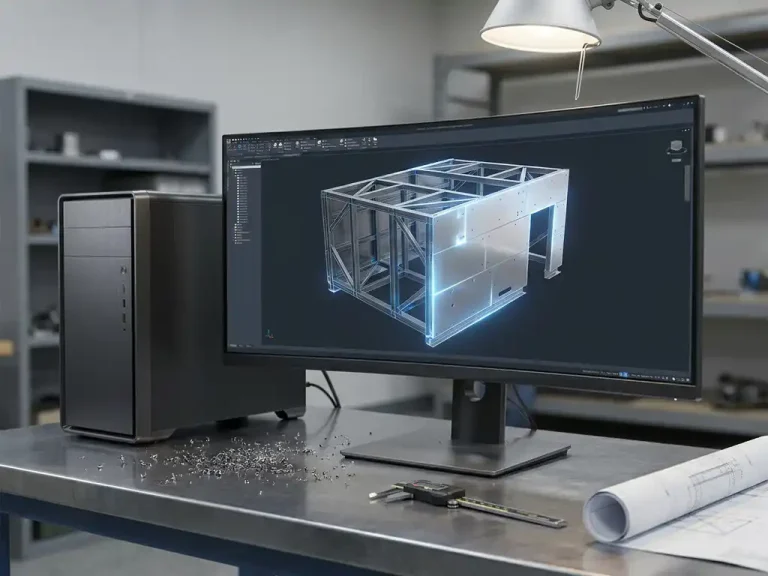
You can automatically generate NC code from a 3D model by using CAD software that directly translates your model’s geometry into machine language. The software reads the flat pattern of a sheet metal part, identifies cut lines, bend edges, and holes, and exports that information as an NC file, ready for your CNC machine. This works most efficiently in metalworking and sheet metal fabrication, where precision and speed go hand in hand. In this article, we answer the most frequently asked questions about this process.
What information does the software extract from a 3D model to generate NC code?
The software extracts all the geometric and technical data from a 3D model that a CNC machine needs to produce a part. This includes the outer contour, internal cutouts, hole positions and diameters, bend lines with corresponding angles and radii, and the material thickness. Together, these data form the basis for a complete NC program.
Specifically, this involves the following types of information:
- Cutting geometry: the exact contours that a laser cutter, punch press, or waterjet cutter must follow
- Bending information: bend lines, bend angles, bend radii, and bending sequence for the press brake
- Hole Data: Locations, Diameters, and Machining Type per Hole
- Material specifications: thickness, material type, and any surface treatment
- Flat pattern: the unfolded form of the part, including stretch factors for bending
All of this information is already hidden within your 3D model. The software makes that information explicit and converts it into a format that the machine can understand.
How does the automatic conversion of a 3D model to a flat pattern work?
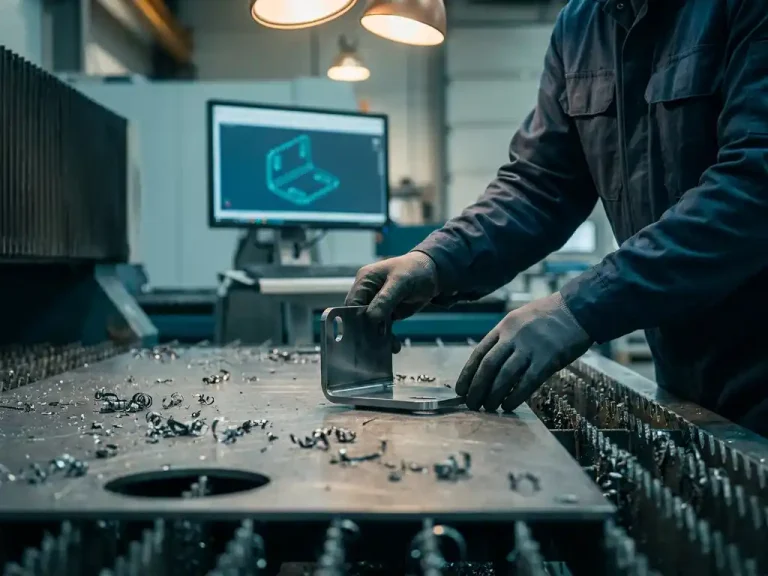
The automatic conversion of a 3D model into a flat pattern is achieved by mathematically unfolding the 3D sheet metal part. The software calculates how the material behaves when bent, applies the so-called K-factor or bending table, and, based on that, generates a flat sheet with the correct dimensions. This happens completely automatically once you have set the material and tools.
The K-factor describes where the neutral line lies within the material thickness—that is, the plane that is neither stretched nor compressed during bending. This value varies depending on the material and thickness. Good software allows you to configure bending tables for each material, ensuring that the calculation always matches your actual production conditions.
The result is a flat rash with:
- The correct external dimensions, including any length increase or decrease due to bending
- Visible guide lines that the press brake operator can read immediately
- Bending information linked to the correct tool selection
Because the pattern is generated directly from the 3D model, measurement errors caused by manual tracing are eliminated. If you make changes to the 3D model, the pattern is automatically updated.
What is the difference between manually programming NC code and generating it automatically?
The main difference is time and the risk of errors. Manual NC programming involves a programmer entering the machine movements line by line based on drawings or their own interpretation of the design. Automatic generation retrieves the information directly from the 3D model and writes the NC program without human intervention.
Manual Programming
When programming manually, the programmer relies on 2D drawings, personal experience, and knowledge of the machine. This is very time-consuming, especially for complex parts that require many machining operations. Furthermore, there is a real risk of typos, incorrect coordinates, or a missed operation. Every change to the design requires reprogramming.
Automatic Generation
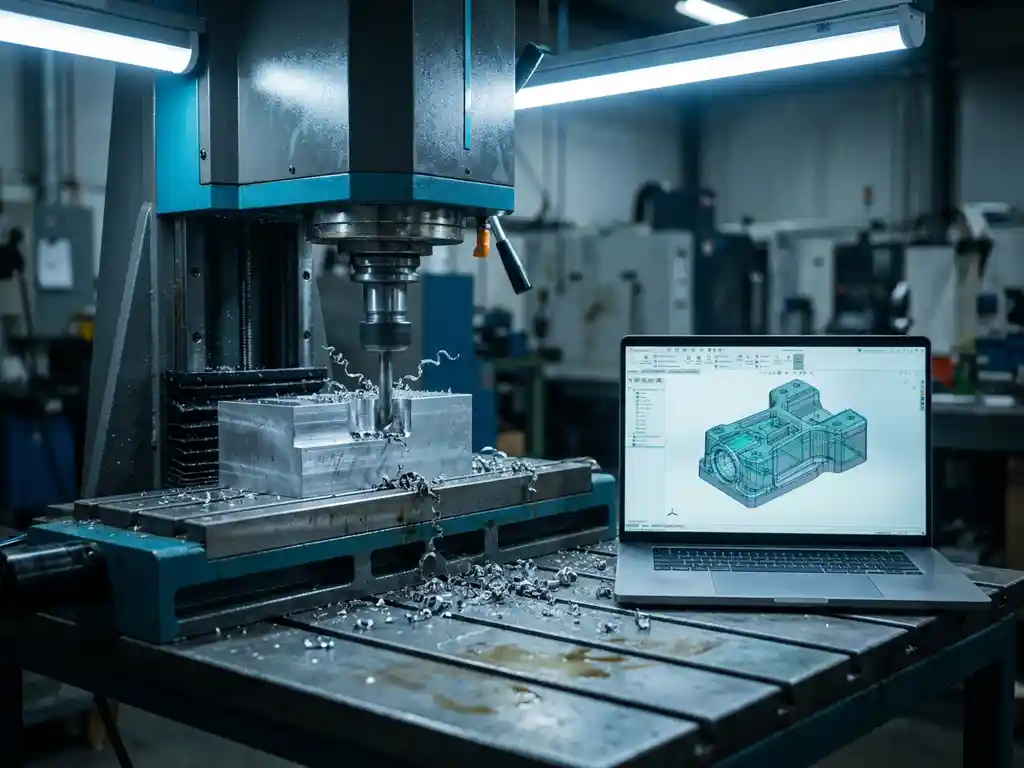
With automatic generation, the software reads the 3D model, applies the correct postprocessor for the specific machine, and exports an NC file. This takes seconds instead of hours. The code is always consistent with the design, and changes to the model are immediately reflected in the new NC code. The programmer reviews and approves the code rather than writing it themselves.
Which CNC machines and file formats are supported?
Modern CAD software with integrated NC code generation supports the most common CNC machines used in sheet metal fabrication, including laser cutters, punch presses, waterjet cutters, and press brakes. This support is provided through postprocessors—small translation modules that convert universal NC data into the specific machine language of a particular brand or type of machine.
Common file formats include:
- DXF and DWG: for 2D cutting patterns, widely supported by laser cutters and punch presses
- G-code (ISO 6983): the most universal NC language for milling machines and lathes
- DSTV: Specifically for steel structures and profile-machining equipment
- Machine manufacturer-specific formats: such as Trumpf TruTops, Bystronic, Amada, and others, via our own post-processors
When purchasing software, it’s a good idea to check whether a postprocessor is available for your specific machine, or whether one can be custom-built.
How does automatic NC code generation prevent errors in production?
Automatic NC code generation prevents errors because the information is entered only once—in the 3D model—and is then automatically transferred to all production outputs. There is no manual redrawing, no recalculation of dimensions, and no risk of an outdated drawing being sent to the shop floor.
The most common errors that are prevented are:
- Dimensional Differences: The NC code always matches the 3D model, even after changes
- Missing operations: The software generates all operations based on the complete geometry
- Incorrect bending sequence: The software takes clearance and tool access into account
- Outdated programs: Every time you export, the code is based on the current model version
In addition, many systems offer simulation functions that allow you to check the machine movements virtually before a single cut is made. This saves material, machine time, and rework.
When is automatic NC code generation most valuable?
Automatic NC code generation delivers the most value to companies that regularly manufacture a variety of products, work with custom orders or one-off parts, and need to keep the lead time from design to production as short as possible. The more often you program new or modified parts, the greater the time savings.
Specifically, the added value is greatest in these situations:
- Custom manufacturing: Every part is different, so manual programming takes time each time
- Frequent revisions: When designs are updated regularly, automatic generation ensures consistency
- Small batches or one-offs: programming time is a major factor in the total cost when dealing with small quantities
- Complex parts: numerous bends, cutouts, or machining operations make manual programming error-prone and time-consuming
For companies that produce large batches of identical parts, the one-time programming investment is less of a burden. But even in those cases, automatic generation reduces errors and speeds up the initial production run.
How IronCAD Helps with Automatic NC Code Generation
IronCAD, the 3D CAD software we offer as an official distributor, is particularly well-suited for companies in the sheet metal and metalworking industries. The software automatically converts your 3D model into a flat pattern, instantly generates cutting lines and bending information, and completely eliminates the need for manual redrawing. With the Para-Flex add-in, automation goes even further:
- Automatic Generation of Cutting Lists and Purchase Lists
- Sheet optimization to minimize material waste
- Direct export of NC code, ready for the shop floor
- Support for common CNC machines via postprocessors
IronCAD combines design freedom with technical accuracy, allowing you to work from initial concept to a manufacturable model without unnecessary intermediate steps. Would you like to know how this works for your specific manufacturing process? Contact us, and we’d be happy to help you figure it out.