How do I calculate how much sheet material I need for a furniture project?
To calculate how much sheet material you’ll need for a furniture project, add up the surface area of all the parts and account for cutting waste. A rule of thumb is to set aside 10 to 20 percent extra material on top of the net surface area required. The more accurately you measure and plan, the less waste there will be and the lower your material costs will be. In this article, we answer the most frequently asked questions about material calculations for furniture projects.
What factors determine how much sheet material you need?
The amount of sheet material you need depends on the dimensions of each furniture component, the number of components, the standard size of the sheets you purchase, and the amount of material lost during cutting. Each of these factors directly affects your final calculation.
When working on a furniture project, you start with a complete list of all the parts to be cut, also known as a cutting list. For each part, note the length, width, and type of material. Also consider factors such as:
- Grain or fiber direction: With wood-based panels, you often want to cut parts in a specific direction, which limits where they can be placed on the panel
- Material thickness: Different thicknesses require separate sheets and separate calculations
- Double-sided finish: When working with laminated or veneered panels, be careful not to damage the underside of a piece while cutting it
- Standard sheet sizes: Common sizes are 2440 x 1220 mm or 2800 x 2070 mm, but this varies by supplier
Also keep scraps in mind. You can sometimes reuse a large scrap for smaller parts, but that requires careful planning ahead of time.
How do you calculate the number of panels needed for a piece of furniture?
You calculate the number of sheets needed by dividing the total net area of all parts by the usable area of a single sheet, and then adding the cutting waste. A simple step-by-step approach will help you with this.
- Create a complete parts list, including the length and width of each piece
- Calculate the area of each part (length × width) and add them all together
- Determine the usable area of a single sheet, taking into account the cut along the edges
- Divide the total surface area of the parts by the surface area of the sheet to calculate the minimum number of sheets
- Add a buffer for cutting loss, typically 10 to 20 percent
Suppose you need panels with a total surface area of 8 square meters. A standard sheet measuring 2440 x 1220 mm has an area of approximately 2.98 square meters. Without any cutting waste, you’ll need at least three sheets. Factoring in 15 percent waste, you’ll quickly end up needing four sheets.
It’s a good idea to always break down your calculations by material type and thickness. You can’t mix 18-mm plywood and 12-mm MDF in your calculations, even if the sheet sizes are identical.
What is cutting waste, and how does it affect your material calculation?
Cutting loss is the material lost with every cut. A circular saw blade is typically 3 to 4 mm thick, which means that each cut removes a strip of material that can no longer be used. When making many cuts per sheet, this quickly adds up.
In addition to the cut itself, the following types of loss also play a role:
- Edge loss: The outer edges of a sheet are often cut off to create a straight, rigid edge
- Inefficient nesting: Parts rarely fit perfectly next to each other on a sheet, leaving behind unusable scraps
- Scrap due to material defects: knots, damage, or color variations can render part of a board unusable
In practice, many furniture makers use a waste percentage of 10 to 20 percent as a standard buffer. For complex shapes or projects with many small parts, this can rise to 25 percent. It’s better to buy a little extra than to discover halfway through a project that you’re short on materials, especially if it involves a specific batch of wood or a laminated sheet that won’t be available later.
When is manual calculation no longer sufficient?
Manual calculations work fine for simple projects with few components, but fall short as soon as you’re dealing with many different dimensions, multiple types of materials, or repetitive production runs. That’s when mistakes can easily be made—and they can be costly.
Signs that your manual approach is reaching its limits:
- Your project includes more than twenty different components of varying sizes
- You work with multiple sheet thicknesses or material types at the same time
- You produce series of similar pieces of furniture in which small errors multiply
- You waste time recalculating whenever there are design changes
- You have regularly ordered too much or too little material after completing a project
For larger projects or mass production, it is also nearly impossible to manually create an optimal sheet layout. In such cases, parts are not arranged on the sheet in the most efficient way, which directly leads to higher material costs. Automated sheet optimization, also known as nesting, solves this problem by arranging parts as compactly as possible.
How does CAD software help with the automatic calculation of sheet material?
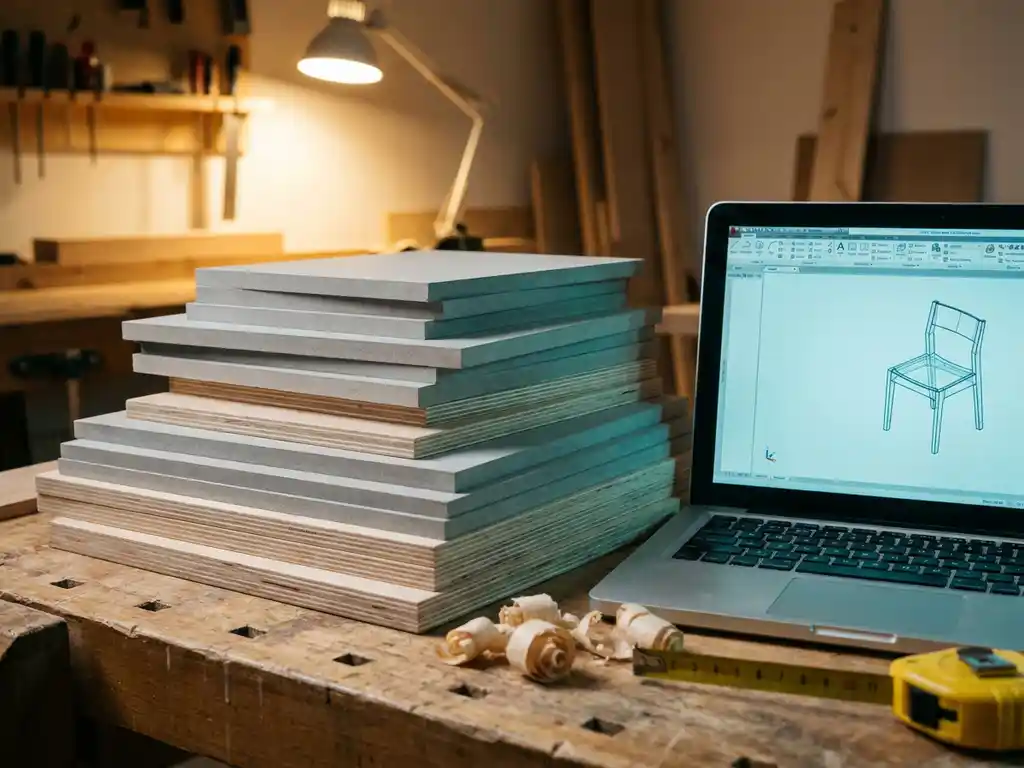
CAD software automatically calculates how much sheet material you need by directly converting the 3D drawing into an optimized cutting layout. As soon as you modify a design, the material lists and sheet layouts are updated immediately. This saves a tremendous amount of time and prevents calculation errors.
Modern CAD solutions for the manufacturing industry generate the following from the 3D model, among other things:
- Automatic cutting lists with all dimensions for each part
- Optimized sheet layouts that minimize cutting waste
- Purchasing lists based on actual material requirements
- NC codes for CNC machines, so production can start right away
This is particularly valuable for custom work, where each project has different dimensions and manual calculations must be performed over and over again.
How IronCAD Helps with Sheet Metal Calculations
IronCAD offers a comprehensive solution for companies in the manufacturing industry that want to automate their material calculations. Based on the 3D design, the software automatically generates all the necessary output, eliminating the need for manual calculations or data entry. Specifically, this means:
- Automatic cutting lists generated directly from the 3D model
- Optimized sheet layout that minimizes cutting waste and reduces material costs
- Automatic purchase lists based on actual material requirements
- NC codes for CNC machines, ensuring that the transition from design to production is fully automated
- Update immediately when design changes are made, without having to recalculate
IronCAD is particularly well-suited for the furniture and interior design industries, where custom work is the norm and every project requires different dimensions. The software is easy to learn and integrates seamlessly with existing workflows. Would you like to see how this works for you? Contact us for a no-obligation demonstration.