
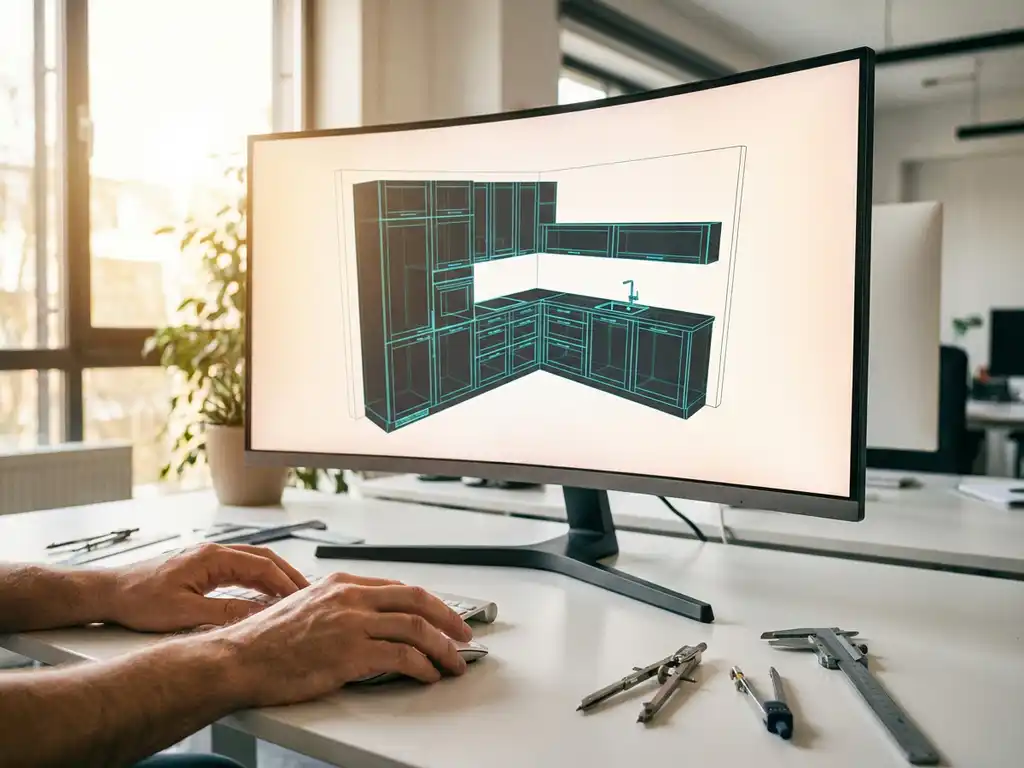
How do I use 3D drawing for interior design?
3D drawing has completely changed the way interior design projects are designed and executed. Where traditional 2D drawings often leave room for interpretation and error, 3D design provides a clear and realistic picture of the end result. For interior design companies, this means less miscommunication, faster customer approval and more efficient production.
Whether you’re designing kitchens, cabinets or complete interior designs, 3D drawing allows you to visualize complex projects before the first plank is cut. This article answers key questions about using 3D drawing in interior design and shows you how to make the most of this technology.
What is 3D drawing and why is it important for interior design?
3D drawing is the process of creating three-dimensional digital models that represent objects and spaces with height, width and depth. For interior design, this means you can design furniture, cabinets and complete interiors as realistic models that can be viewed from any angle.
The importance of 3D drawing for interior design lies in improved communication and precision. Customers can see their future interior even before production begins, leading to fewer subsequent changes and higher customer satisfaction. It also helps prevent production errors, as all dimensions and connections are clearly visible in the 3D model.
For interior designers, 3D design also offers the ability to quickly test different variations. You can change materials, colors and configurations without having to start over, saving time and stimulating creativity.
Which CAD software is best for interior design?
The best CAD software for interior design combines ease of use with powerful functionality for customization and production integration. Software designed specifically for the manufacturing industry usually delivers better results than general 3D programs because it takes into account material types, machining methods and manufacturing processes.
Important features to look for in CAD software for interior design are intuitive operation, parametric design and automatic generation of production files. The software should allow you to make quick adjustments to dimensions and configurations, while all related components move along automatically.
In addition, integration with production systems is crucial. The best software automatically generates cut lists, plate optimization for sheet metal and NC codes for CNC machines. This ensures a seamless transition from design to production, without manual data entry.
How do you start 3D drawing for your interior design projects?
Start 3D drawing by first mapping out your current design process and determining which components would benefit most from 3D visualization. Start with simple projects, such as a few cabinets or kitchen elements, before moving on to complex, complete interiors.
The first step is to learn the software interface and the basic functions for creating 3D shapes. Start by drawing simple rectangular shapes and learn how to expand them with holes, grooves and other operations. Practice adding materials and creating realistic renderings.
Gradually build your library with standard components, such as hinges, handles and profiles. This will save time on future projects because you can reuse and modify existing components. Also be sure to learn to work with parameters so that your designs remain flexible and can be easily modified.
What advantages does 3D design offer over traditional drawing?
3D design offers significantly more clarity and precision than traditional 2D drawings, drastically reducing customer miscommunication and production errors. Customers can fully understand the end result before production begins, leading to faster approval and fewer subsequent changes.
A big advantage is the ability to automatically generate technical drawings and production files from the 3D model. This saves a lot of time because you don’t have to manually draw all the views and details. Moreover, all drawings remain automatically synchronized when you make changes to the design.
3D design also makes complex projects more manageable. You can easily check that parts fit correctly, calculate material consumption and try out different configurations. This leads to better cost control and less waste of material during production.
How do you integrate 3D design with your manufacturing process?
Integrating 3D design with manufacturing processes requires software that can automatically generate production files from your 3D models. This includes cut lists, sheet metal optimization, machining instructions and CNC programs that can be used directly on the shop floor.
The key to successful integration lies in using parametric models that contain all manufacturing information. When you design a cabinet, the software needs to know what material thickness you are using, what operations are needed and how the parts fit together. This information is then automatically translated into manufacturing instructions.
For optimal workflow, make sure your 3D software can communicate with your ERP system and production machines. This creates a digital chain from design to finished product, eliminating manual transfer of information and preventing errors.
How IronCAD helps with 3D drawing for interior design
IronCAD offers a revolutionary approach to 3D drawing in interior design by combining intuitive drag-and-drop functionality with powerful production integration. IronCAD allows you to design quickly and flexibly without limitations in your creative process, perfect for custom interior design.
The main benefits of IronCAD for interior designers are:
- Intuitive TriBall™ technology for easy repositioning of components
- Combination of parametric and direct modeling in one environment
- Automatic generation of saw lists and plate optimization
- Direct NC code export for CNC machines
- Extensive material library for wood, metal and plastic
IronCAD streamlines your entire design process, from initial sketch to final production. The software is a perfect fit for companies where customization and flexibility are essential. Want to discover how IronCAD can enhance your interior design projects? Contact us for a personal demonstration.


