
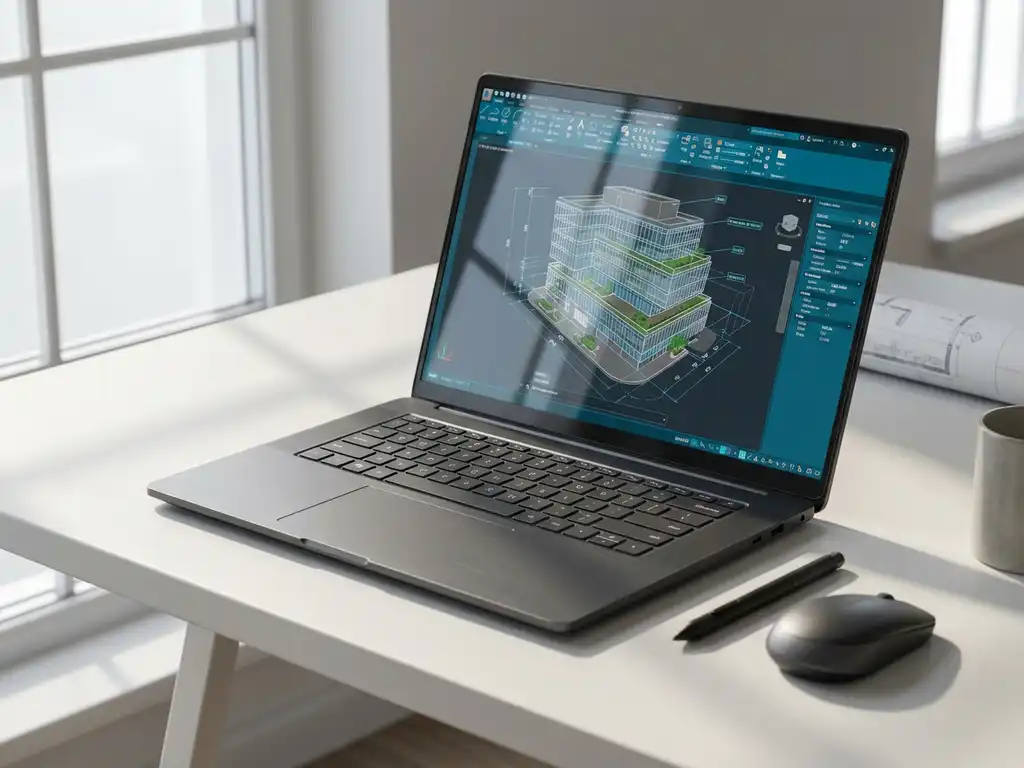
How do you use CAD software for architecture and construction?
CAD software for architecture and construction is a digital design program that helps architects and construction professionals create accurate 2D drawings and 3D models. This software replaces manual drafting and offers advanced features such as 3D visualization, automatic calculations and team collaboration. With the right CAD software, you can work more efficiently, avoid mistakes and create professional construction designs.
What is CAD software and why is it essential for architecture and construction?
CAD software stands for Computer-Aided Design and is a digital drawing program that has replaced manual design methods in the construction and architecture industry. This architectural software enables professionals to create accurate technical drawings, design 3D models and visualize complex construction projects.
The evolution from manual drawing to digital design has transformed the industry. Whereas architects used to spend hours drawing lines with pencil and ruler, they can now design complex structures with a few mouse clicks. CAD programs offer features such as:
- Automatic sizing and dimensioning
- Libraries with standard building components
- 3D visualization for better presentations
- Integration with other construction software
For modern construction professionals, CAD software has become indispensable, as it forms the basis for all further processes in a construction project, from the initial sketch to execution drawings.
What benefits does CAD software offer specifically for construction projects?
CAD software delivers concrete benefits that are immediately noticeable in the daily practice of construction projects. Accuracy is paramount: digital CAD drawings eliminate measurement errors and provide millimeter-accurate specifications that are crucial in complex building structures.
The time savings are significant. Changes that used to take hours are now made within minutes. Copying standard elements, automatic updates of linked drawings and reuse of design elements dramatically speed up the design process.
Collaboration between different disciplines becomes much easier. Architects, structural engineers and installers can work simultaneously on the same digital model. This prevents miscommunication and ensures better coordination between all parties involved.
3D visualization helps communicate with clients. Instead of complex 2D drawings, professionals can show realistic 3D renderings, helping clients better understand what the end result will look like. This leads to fewer changes during construction and higher client satisfaction.
How to choose the right CAD software for architecture and construction work?
Choosing the right CAD software depends on your specific needs, budget and working methods. Functionality is the most important criterion: determine whether you primarily create 2D drawings or also need 3D design for your construction projects.
Usability plays a major role in daily productivity. Software with an intuitive interface speeds up the learning curve and reduces frustration. Test different programs to experience which one best suits your workflow.
Compatibility with other systems is essential. Check that the software can work with programs used by your colleagues or clients. Standard file formats such as DWG and DXF allow for smooth exchange of CAD drawings.
Important selection criteria are:
- Type of projects (residential, commercial, interior)
- Team size and collaboration needs
- Budget for licensing and training
- Integration with existing software
- Availability of support and training
What are the first steps to learning to use CAD software?
Start by exploring the basic interface and learning about the main tools. Most CAD programs have similar functions, such as drawing lines, creating circles and selecting objects. Start with simple 2D drawings before moving on to more complex 3D designs.
Follow a structured learning approach by first watching tutorials specific to your software. Many vendors offer free online training. Practice regularly with small projects to reinforce techniques learned.
Practical learning tips for beginners:
- Start each day with 15 minutes of practice
- Redraw familiar objects to become familiar with the tools
- Use keyboard shortcuts to work more efficiently
- Use online forums for questions
- Take structured courses for in-depth knowledge
In the beginning, focus on accuracy rather than speed. Good habits you develop early will determine your later productivity with the software.
How do you integrate CAD software into existing work processes?
Gradual implementation is the key to successful integration of CAD software into existing business processes. Start with a pilot project where one team uses the new software while other processes remain unchanged. This minimizes risk and gives room for learning.
Team training is crucial for successful adoption. Plan training in phases: basic skills first, then advanced features. Make sure experienced users can support colleagues during the transition phase.
Data migration requires careful planning. Inventory existing drawings and files and determine which ones should be converted. Maintain access to old files during the transition period.
Strategies for smooth integration:
- Create an implementation team with representatives from all departments
- Create standard templates and libraries for consistency
- Define new workflows that take full advantage of CAD functionality
- Monitor progress and adjust processes as needed
- Communicate the benefits clearly to all involved
How IronCAD helps with architecture and building design
IronCAD offers a revolutionary approach to CAD software in the construction and architecture industry. This powerful 3D CAD solution combines intuitive design with advanced features designed specifically for professionals who want to work quickly and flexibly on construction projects.
The software is distinguished by unique benefits for architecture and construction:
- Drag-and-drop 3D functionality for rapid design iterations
- Flexible history dependency allowing you to make changes easily
- Automatic generation of technical drawings from 3D models
- Extensive parts library with building components
- Seamless integration with ERP systems for complete project control
Want to discover how IronCAD can improve your architecture and construction projects? Contact us for a personal demonstration and customized advice.


