What are the benefits of 3D CAD software for metalworking companies?
3D CAD software offers metalworking companies tangible benefits in terms of speed, accuracy, and production efficiency. Whereas traditional 2D drafting requires many manual steps, 3D CAD significantly speeds up the entire process from design to the shop floor. The questions below give you a clear picture of what 3D CAD software delivers in practice for metalworking and sheet metal fabrication.
What specific time savings does 3D CAD software provide in the design process?
3D CAD software significantly reduces design time because you work directly in three dimensions, and changes are immediately reflected throughout the entire model. If you change a dimension or bend angle, the system automatically adjusts all linked parts. This not only saves hours per project but also reduces back-and-forth communication between design and production.
In metalworking, this means, in practical terms, that you need fewer rounds of revisions. A design that requires multiple 2D drawings for different side views consists, in 3D, of a single model that you can view from any angle. You only have to make adjustments once. This is especially noticeable in custom work and one-off pieces, where every project is different and the pressure on the designer is high.
In addition, 3D CAD software automatically generates manufacturing documentation as soon as the model is complete. You no longer need to manually create separate drawings for the shop floor. That time savings quickly adds up per project, especially for complex designs with many parts.
How does 3D CAD software prevent errors in the production of metal parts?
3D CAD software prevents manufacturing errors by directly linking the design to manufacturability. Bends, radii, and joints are visible in the model and are checked before a single part is manufactured. Errors that only become apparent in the workshop when working with 2D drawings can be identified in 3D as early as the design phase.
This is particularly valuable in sheet metal fabrication. Small deviations in a bend angle or material thickness have a direct impact on manufacturability. In a 3D environment, you can visually see what happens when you adjust a parameter. This allows designers to resolve issues before they result in production costs.
In addition, 3D CAD reduces the risk of communication errors. Production staff work with the same model as the designer, rather than a manual interpretation of a 2D drawing. This minimizes the potential for misunderstandings and ensures consistency throughout the entire production process.
What is the difference between 2D drafting and 3D CAD software for metalworking?
The biggest difference is that 2D drafting uses separate views and flat representations, while 3D CAD software builds a fully three-dimensional model that automatically generates all views. In metalworking, this means: less manual work, a lower risk of errors, and a direct link between design and production.
2D Drawing: Advantages and Limitations
2D drawings are familiar and easy to understand for experienced engineers. They work well for simple parts with little variation. But as soon as a design becomes more complex, involves multiple bends, or requires customization, 2D drawings quickly become confusing. Each view must be updated separately whenever a change is made, which is prone to errors.
3D CAD: What Sets It Apart
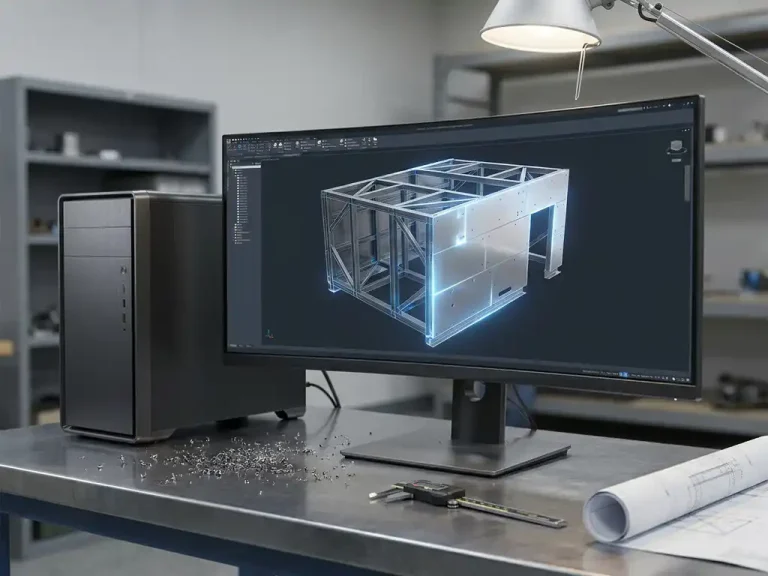
With 3D CAD, you build a digital model that fully replicates the physical part. You can see how parts fit together, how bends turn out, and what the final product will look like before anything is manufactured. All views, cross-sections, and dimensions are automatically derived from that single model. For metalworking, this means a fundamentally different way of working: faster, more accurate, and more scalable.
What kind of production output does 3D CAD software automatically generate for metalworking companies?
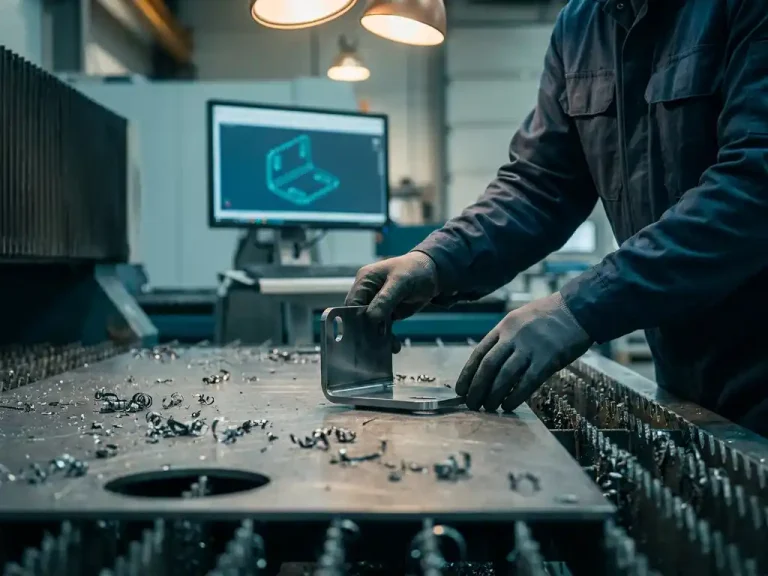
3D CAD software for metalworking companies automatically generates flat patterns, cutting lists, bending instructions, sawing lists, parts lists, and NC codes for CNC machines. This output can be used directly on the shop floor, without any manual intermediate steps. This makes the process from design to production significantly shorter and more reliable.
The automatic unfold feature is particularly useful for sheet metal work. The system calculates what a bent part looks like in its flat state, including the correct allowances for the bending process. That information is sent directly to the laser cutter, press brake, or punch press without an employee having to convert it manually.
Sheet optimization is also possible through additional modules: the system calculates how to cut parts from a sheet as efficiently as possible, thereby minimizing material waste. NC codes are generated automatically and are immediately ready for the machine. This not only speeds up production but also improves consistency across jobs.
When is switching to 3D CAD software the right choice for a metalworking company?
Switching to 3D CAD software is the right choice when a metalworking company is facing increasing design complexity, growing demand for custom work, or recurring errors in production. The more variety and customization you handle, the greater the advantages of 3D CAD over 2D drafting.
Clear signs that the switch makes sense:
- Designers spend a lot of time updating multiple views whenever a single change is made
- Errors or misunderstandings regularly arise between the design and production phases
- The production documentation is compiled manually and takes a lot of time
- Customers are increasingly asking for custom solutions or shorter lead times
- The competition is already using automated design and manufacturing processes
Even for smaller metalworking companies, the barrier to entry is lower than is often assumed. Modern 3D CAD software is designed to be intuitive and does not require years of training. With the right guidance during implementation and thorough training, your company will quickly become productive in the new environment.
How does 3D CAD software integrate with ERP systems in the manufacturing industry?
3D CAD software integrates with ERP systems by automatically transferring design data—such as bills of materials, material specifications, and production times—to the ERP platform. This eliminates duplicate data entry, reduces errors, and ensures that procurement, planning, and production always work with up-to-date information from the design.
In the manufacturing industry, this integration is valuable because design and operations are closely intertwined. A change to a component affects procurement needs, production planning, and cost calculations. If these systems operate independently of one another, coordinating them takes a lot of time and increases the risk of errors. An integrated environment automatically keeps all departments in sync.
The integration between CAD and ERP works best when both systems are aligned and workflows are set up consistently. Companies that are digitizing step by step sometimes choose to optimize their CAD system first and then establish the ERP integration. This allows them to set up processes properly before automating them.
How IronCAD Helps with Metalworking and Sheet Metal Fabrication
IronCAD is the 3D CAD software that we at Dynfos offer as the official distributor in the Netherlands; it is specifically designed for metalworking and sheet metal fabrication. The software combines design freedom with technical accuracy and is directly tailored to the realities of the workshop. Here’s what IronCAD does for your business:
- Design directly in 3D with automatic linking between bends, shapes, and joints
- Automatically generate flat layouts, cutting lists, and bending information without any extra steps
- Generate NC codes, cutting lists, and parts lists directly from the model
- Visually adjust bend angles and radii and immediately see the effect on manufacturability
- Work efficiently on both one-off items, mass production, and custom orders
- Integrate with ERP systems for a seamless connection between design and operations
We support your business from start to finish: from licensing and implementation to training and optimizing existing workflows. Would you like to know how IronCAD can benefit your business? Contact us, and we’d be happy to work with you to find the best solution.