
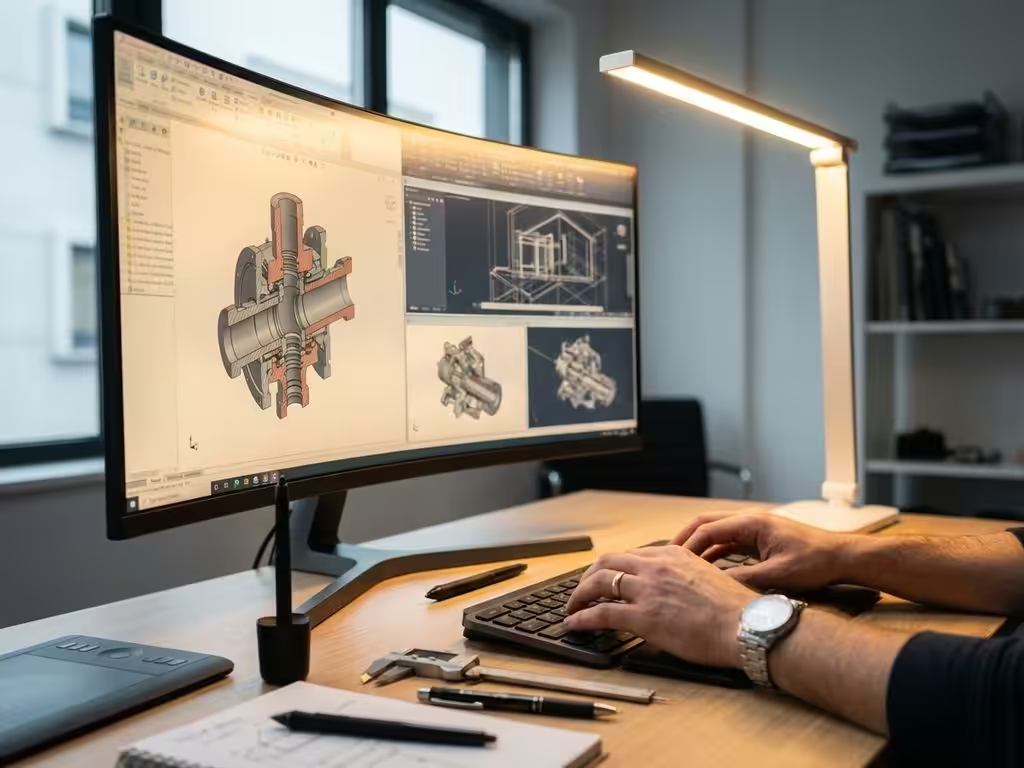
What CAD software do professional designers use?
The choice of CAD software can make the difference between a successful design project and endless frustration. Professional designers in the manufacturing industry face complex challenges every day where standard drawing programs simply fall short. From furniture manufacturers to interior designers, everyone is looking for software that is not only powerful, but also intuitive to use.
In this article, you’ll discover what CAD software professional designers actually use, why they make specific choices, and how to select the right software for your projects yourself. We look at the most popular solutions on the market and what makes them unique for different applications.
Why professional designers choose specialized CAD software
Professional designers have different requirements than hobbyists or students. Their projects require precision, speed and reliability at a level that standard drawing programs cannot provide. For example, a furniture designer must visualize complex joints, generate bills of materials automatically and collaborate with production teams.
Standard tools fall short because they are not designed for the specific workflows of the manufacturing industry. They lack essential functionalities, such as:
- Automatic generation of production documents
- Integration with production systems and ERP software
- Advanced material calculations
- Parametric design for customization
- Collaboration between different disciplines
In contrast, professional CAD software provides workflows that are aligned with production processes. This means designers can move directly from concept to production without manual conversions or time-consuming adjustments.
The most widely used CAD software in professional design studios
The market for professional CAD software is dominated by several players, each with their own strengths. SolidWorks is popular in mechanical engineering and product design because of its robust 3D capabilities and extensive simulation functions. It is widely used for complex mechanical designs where precision is crucial.
AutoCAD remains a standard in architecture and 2D drawings. Many professional designers use it as the basis for engineering drawings and documentation. The software has a long history and is widely supported by other programs.
Fusion 360 is gaining ground among smaller design studios because of its cloud-based approach and affordable licensing structure. It combines CAD, CAM and simulation in one package, appealing to companies seeking an all-in-one solution.
Other key players include Inventor for product design, Rhino for complex surfaces and SketchUp Pro for architectural visualizations. Each software has its own niche and loyal user base.
What makes IronCAD unique for professional designers
IronCAD is distinguished by a revolutionary design approach that revolves around flexibility and intuitiveness. Where traditional CAD software often employs rigid workflows, IronCAD gives designers the freedom to work naturally.
The software uses a unique combination of history-based and direct modeling. This means you can make changes without worrying about the order in which you created parts. For professional designers who often need to make last-minute changes, this saves a tremendous amount of time.
Especially in industries such as furniture and interior construction, where customization is the standard, IronCAD excels. The software makes it easy to create variants, develop custom solutions and quickly iterate on designs. The intuitive interface allows designers to focus on creativity rather than learning complex commands.
CAD software selection criteria for professional projects
Choosing the right CAD software requires careful consideration of several factors. Project complexity plays a crucial role. Simple 2D drawings require different functionality than complex 3D assemblies with moving parts.
Collaboration is another important criterion. Do you often work with external partners or suppliers? Then you need software that can easily share files and support different formats. Some packages offer excellent cloud functionality, while others are stronger at local collaboration.
Integration capabilities are becoming increasingly important. Modern production processes require seamless connections between CAD software, ERP systems and production equipment. Software that automatically generates production documents and integrates with your existing systems saves an enormous amount of time.
Costs go beyond the purchase price. Consider also training costs, maintenance and the time it takes to train employees. Sometimes more expensive software ends up being cheaper thanks to higher productivity.
How IronCAD helps with professional design
IronCAD offers professional designers a powerful solution designed specifically for the challenges of the modern manufacturing industry. With our software, you benefit from:
- Intuitive design tools that don’t limit your creativity
- Flexible workflows for both standard and custom products
- Automatic document generation for faster production
- Seamless integration with ERP systems and manufacturing processes
As a distributor of IronCAD in the Netherlands, we help companies in the manufacturing industry optimize their design processes and strengthen their competitive position. With our experience of more than ten years, we understand exactly what challenges you face as a professional designer.
Want to discover how IronCAD can improve your design process? Contact us for a personal demonstration and advice tailored to your specific situation.


