
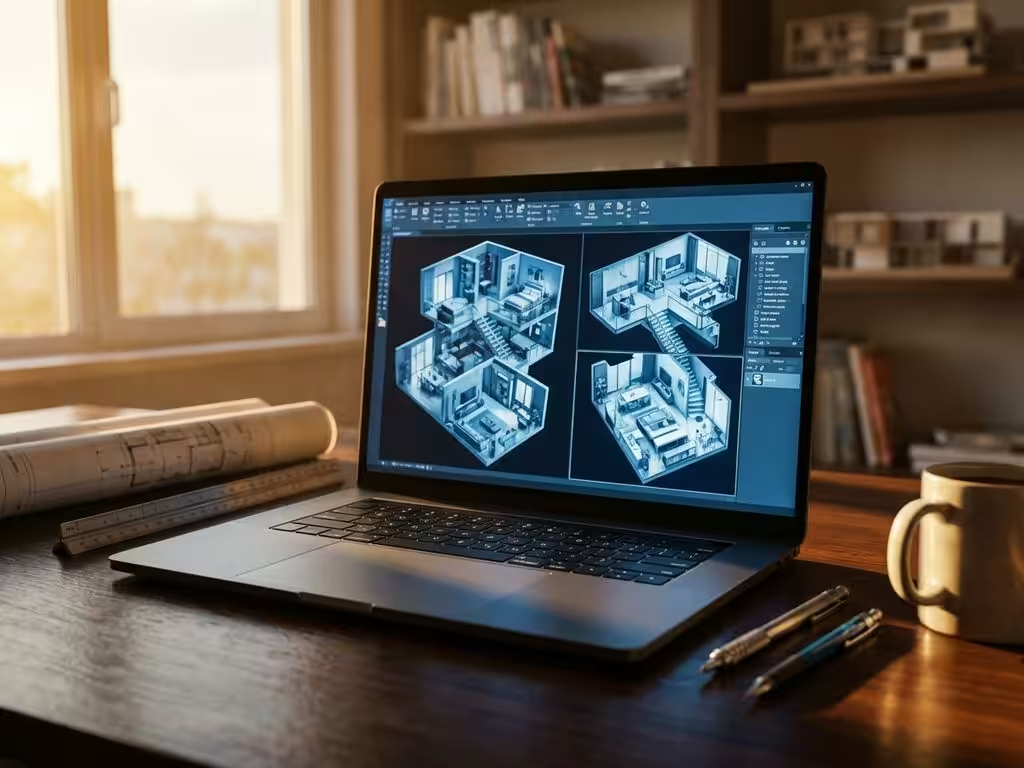
What is the best CAD software for interior design?
Interior design places unique demands on CAD software that go far beyond standard design tools. Whereas general CAD packages focus on technical drawings, interior builders deal with complex custom orders, specific material requirements and a direct link to manufacturing processes. Choosing the right software determines not only your design efficiency, but also how smoothly your projects go from concept to finished product. In this guide, we explore why traditional solutions fall short and what features really make the difference for successful interior construction projects.
Why standard CAD software falls short for interior design
Traditional CAD software is designed for general engineering applications and lacks crucial functionalities that interior designers need on a daily basis. The main problem lies in the rigid operating procedures of conventional packages, where every modification becomes a time-consuming process.
Customization is at the heart of interior design projects. Clients expect unique solutions that perfectly fit their space and needs. Standard CAD tools treat each project as a new beginning, with no ability to quickly create variations on existing designs. This results in endless repetition of the same basic tasks.
Complex assemblies such as built-in cabinets, kitchen arrangements or office furnishings require a different approach than simple engineering drawings. Interior designers work with multiple materials, different thicknesses and specific joining techniques. General CAD software struggles with this layering and lacks the flexibility to make quick adjustments to complete assemblies.
Integration with manufacturing processes often remains a weak point. Interior builders need direct output for cut lists, material calculations and CNC machines. Standard software often requires manual operations or external tools to generate this information, which introduces errors and wastes time.
Which CAD functions are essential for interior construction projects
Parametric design tops the list of essential functionalities. This technology allows you to create designs that automatically adjust when you change dimensions. A 60 cm wide kitchen cabinet becomes an 80 cm variant with one click, including all parts and connections.
Material optimization plays a crucial role in the profitability of projects. Advanced CAD software automatically calculates the most efficient use of plates and beams, minimizes waste and takes into account saw widths and material directions.
Automatic saw lists and parts lists eliminate manual calculations and significantly reduce errors. The software generates instantly usable lists with all required dimensions, material types and quantities. This information is automatically synchronized with design changes.
Production output forms the bridge between design and realization. Modern CAD tools directly generate CNC code, optimize machining sequences and produce assembly instructions. This integration speeds up the entire process from design to completion.
Visualization capabilities help with client presentations and design validation. Realistic renderings and 3D walkthroughs make complex designs understandable to clients and reduce miscommunication during the design process.
IronCAD vs. other CAD solutions for the manufacturing industry
The market offers several CAD solutions, each with its own strengths. AutoCAD traditionally dominates the 2D drawing market, but lacks the intuitive 3D capabilities that modern interior design requires. SolidWorks offers powerful 3D functionality, but has a steep learning curve that can hinder productivity.
SketchUp appeals to many designers because of its usability, but falls short in parametric capabilities and production integration. Fusion 360 combines design with production tools, but its cloud dependence can be limiting in some enterprise environments.
IronCAD stands out for its unique combination of ease of use and powerful functionality. The software uses a catalog-based approach where you can quickly drag and drop components and modify them, similar to physical furniture design.
The biggest advantage lies in the flexibility of the design process. Where other packages force you to work in a specific way, IronCAD adapts to your thought process. You can start with rough sketches and gradually detail them, or start with precise dimensions and create variations later.
The learning curve is considerably flatter than with traditional CAD packages. New users can be working productively within days, whereas comparable software often requires months of training.
How IronCAD revolutionizes your interior design process
IronCAD transforms the way you approach interior design projects by combining intuitive design tools with powerful automation. The software eliminates many of the frustrations inherent in traditional CAD workflows.
Concrete benefits that you experience immediately:
- Design speed increases by 40-60% due to catalog-based approach
- Automatic generation of saw lists, parts lists and CNC code
- Direct link between 3D design and production output
- Flexible parametric adjustments without redesign
- Integrated material optimization and costing
The design process becomes much more natural. You drag and drop components from catalogs, modify them with simple actions, and see the result immediately in 3D. Changes are made automatically throughout the design, meaning that customer adjustments are no longer a drama.
Production integration ensures that your designs are directly translatable into workable instructions for the workshop. This eliminates the traditional gap between design and execution, which often leads to errors and delays.
Want to experience how IronCAD can accelerate and improve your interior design projects? We’d love to help you discover the capabilities that perfectly fit your specific workflow and project requirements. Contact us for a personal demonstration and customized advice.


