What makes a 3D presentation compelling enough to win a contract?
A 3D presentation convinces a client when it’s not only technically accurate but also feels like the reality the client has in mind. The key lies in the combination of visual clarity, recognizability, and the ability to make quick adjustments based on feedback. In this article, we answer the most frequently asked questions about what makes a 3D presentation truly compelling.
What elements make a 3D presentation professional and credible?
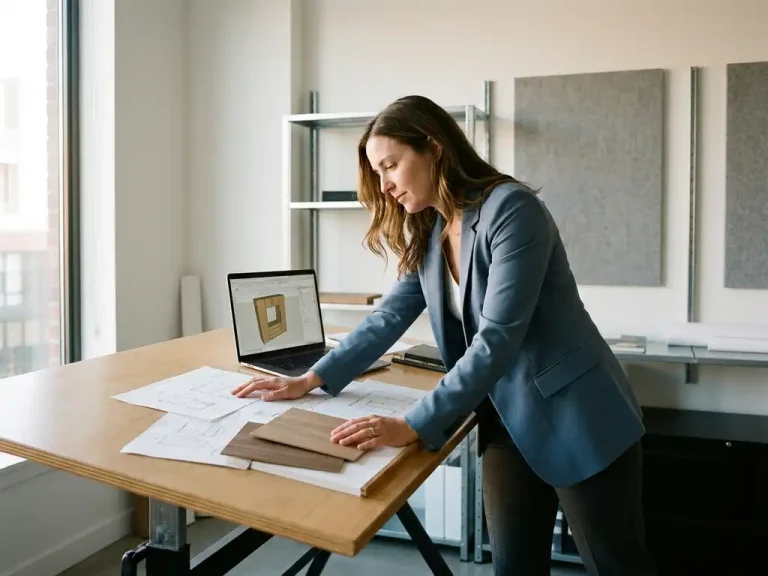
A professional 3D presentation combines technical accuracy with visual clarity. The client must be able to immediately relate the design to their own space, product, or situation. This means realistic materials, accurate proportions, and a presentation that reflects what the final product will look like in real life.
Credibility isn’t just about beautiful images. The following elements play a decisive role:
- Accurate proportions: a design whose dimensions match reality immediately inspires confidence
- Realistic material rendering: wood that looks like wood, metal that shines just as it should
- Contextual placement: the product shown in a recognizable setting, such as a workspace or interior
- Consistent levels of detail: no parts that are obviously finished while others remain rough
A presentation that excels in all these areas exudes professionalism. And professionalism is exactly what a client is looking for when awarding a contract.
How do you ensure that a 3D design meets the customer’s expectations?
A 3D design will meet the client’s expectations if you begin the design process with a thorough briefing and continually align the design with the client’s original requirements throughout the process. The biggest pitfall is making assumptions about what the client means without explicitly verifying it.
In practical terms, this means sharing an initial 3D sketch early in the process, even if it’s not yet finished. This allows you to make adjustments before you’ve gone too far down a path that isn’t the right fit. Ask specific questions: Is it about functionality, aesthetics, or both? What references does the client have in mind?
It also helps to present different options. Two or three design concepts give the client a sense of choice and involvement. This increases the likelihood that the final design will feel like their choice, rather than just your proposal that they’re accepting.
What is the difference between a 3D rendering and an interactive 3D presentation?
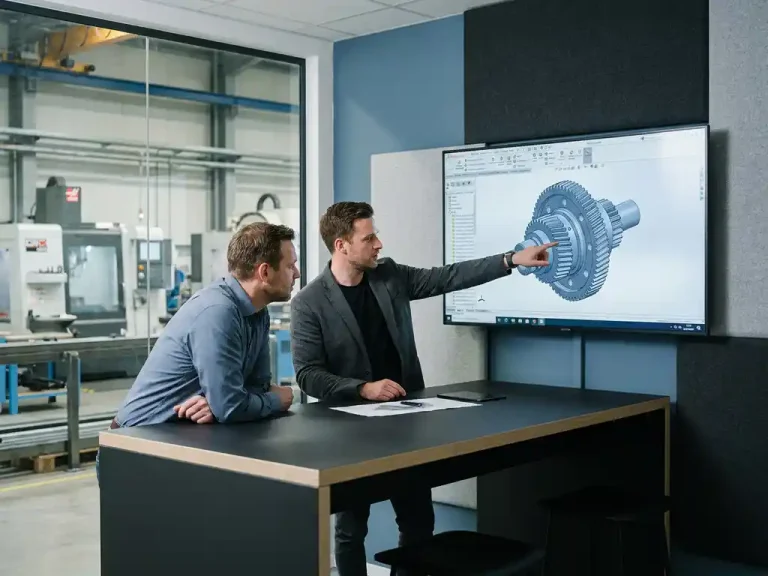
A 3D rendering is a static image: a single, fixed view of a design from a specific perspective. An interactive 3D presentation allows the customer to navigate around the model, zoom in, and view the product from multiple angles. The difference in the user experience is significant.
With a render, you decide what the client sees. With an interactive presentation, the client discovers the design for themselves. The latter builds more trust, because the client feels they truly understand the product before making a decision.
For complex products, such as custom-made furniture or industrial machinery, an interactive presentation is clearly the preferred option. The customer can verify that all components are correct, see how doors open, or check how a module fits into a larger system. That kind of insight is difficult to convey with static renders.
Why do customers lose interest in a 3D presentation that is technically accurate?
Customers lose interest in technically accurate 3D presentations because they lack an emotional connection. A design can be perfect in terms of dimensions and construction, but still fail to convince if it looks cold, abstract, or unrecognizable. Technical accuracy is a prerequisite, not the reason to say yes.
Other common reasons why customers drop off:
- Too many technical details: the customer sees parts and numbers, but not the final product
- No context: the model floats in an empty space with no reference to the actual situation
- Poor color and material representation: gray blocks don’t tell you anything about what something will actually look like
- Lack of narrative: The presentation shows what it is, but not why or how it helps the customer
Convincing a customer with a 3D model, therefore, goes beyond the model itself. The way you present it, the explanation you provide, and how well it addresses the customer’s needs are just as important as its technical quality.
How does CAD software speed up the creation of compelling 3D presentations?
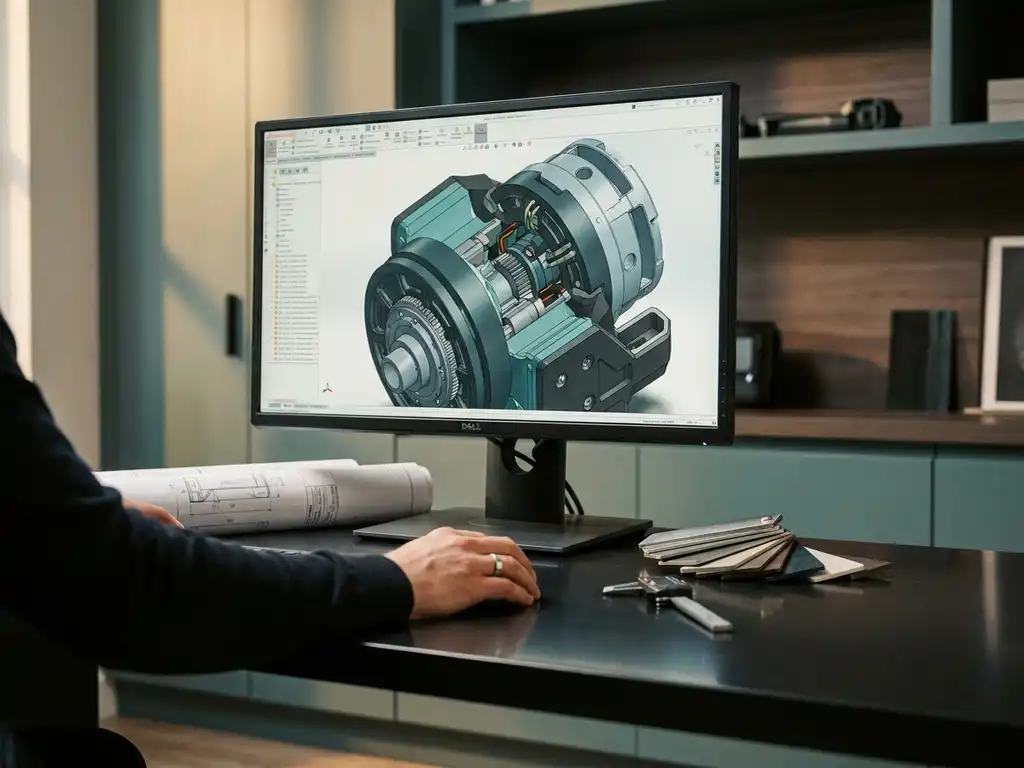
Modern CAD software speeds up the creation of compelling 3D presentations by allowing designers to switch between variants more quickly, change materials without having to rebuild the model, and generate realistic renderings directly from the design. Less time spent on technical tasks means more time for the presentation itself.
Traditional CAD systems use rigid history structures: every modification requires you to go back through the tree structure and make changes step by step. That takes time and increases the risk of errors. More flexible design environments allow you to make adjustments freely, even in later design phases, without causing the model to collapse.
For industries such as furniture and interior design, where customization is the norm, that speed makes all the difference. A customer asks for a different width or a different type of wood, and you can adjust it right then and there during the conversation and show them the results immediately. That kind of immediate response makes a much stronger impression than a promise that you’ll make the change later.
Check out the available CAD software solutions if you want to know which features will make the biggest difference in your design process.
When is a 3D presentation good enough to win a project?
A 3D presentation is good enough to win a project when the client sees themselves in the design, understands its technical feasibility, and trusts that you can bring it to life. Perfection isn’t the goal—conviction is.
Clear signs that your presentation is ready:
- The client asks questions about implementation and scheduling, not about the concept anymore
- The design demonstrably meets the requirements outlined in the briefing
- Materials, dimensions, and functionality are clearly presented
- You can make changes quickly if the customer requests them on the spot
- The presentation tells a story: from problem to solution
A design presented too early raises doubts. A design presented too late gives the impression that you’re inflexible. The ideal presentation is one in which the client feels like they’re helping to build something that’s not quite finished yet, and where you leave room to take that final step together.
How IronCAD Helps Create Compelling 3D Presentations
IronCAD is the CAD software we use for companies in the manufacturing industry that want to design faster and with greater flexibility. IronCAD offers specific advantages, particularly when it comes to creating compelling 3D presentations:
- Immediate adaptability: change dimensions, materials, or components without having to rebuild the history structure
- Realistic rendering: Generate presentation-quality images with accurate material rendering directly from the design
- Steep learning curve: new users are productive within days, not after months of training
- Flexible for custom work: ideal for industries such as furniture and interior design, where every project is different
- Integration with production output: from 3D design to cutting lists, bill of materials, and NC codes in a single workflow
Would you like to see how IronCAD can take your presentations to the next level? Contact us, and we’d be happy to show you what’s possible.