What should I do if a competitor gives a better or clearer presentation than I do?
If a competitor presents a more attractive or clearer design than you do, it almost always means the client will have doubts—even if your product is technically superior. Presentation skills are an underestimated factor in the manufacturing industry: whoever visualizes a design clearly and convincingly is more likely to win the contract. The questions below will help you understand where things go wrong and what you can do about it.
Why does a competitor’s presentation look more professional?
A competitor’s more professional presentation is rarely the result of a better product. More often than not, it’s because they have tools that enable realistic 3D visualizations, quick adjustments, and clear technical documentation, while you’re still working with software that wasn’t designed for that purpose.
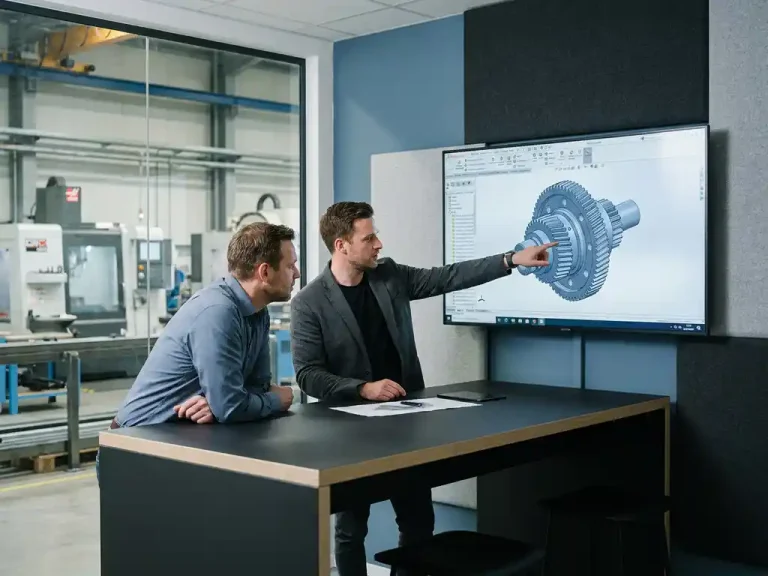
Many companies in the manufacturing industry produce technically sound designs, but present their work in a way that doesn’t appeal to the customer. Think of flat 2D drawings, static PDF exports, or models that aren’t interactive. A competitor who does show a rotatable 3D model, visualizes materials, or makes live adjustments during a meeting simply makes a better impression—even if the underlying design is comparable.
So the difference doesn’t always lie in design ability, but in presentation ability. And that’s something you can improve.
What makes a 3D CAD presentation convincing to a client?
A compelling 3D CAD presentation combines visual clarity, technical credibility, and interactivity. The client must be able to understand the design without a technical background and feel that his specific wishes have been incorporated into what he sees.
Specific elements that make a presentation effective:
- Realistic material rendering: Customers want to see what the final product looks like, not what a gray 3D model looks like.
- Perspective and context: A cabinet in a room, a machine in a production hall. Context helps the customer visualize the product.
- Clear dimensions and details: Technical precision inspires confidence, especially when it comes to custom work.
- Interactivity: The ability to rotate the model, zoom in, or display different versions makes the presentation dynamic.
- Quick adaptability: When a customer asks a question on the spot, you want to be able to show them right away what a change would mean.
A presentation that combines all these elements conveys professionalism and a customer-focused approach. This builds trust in you as a supplier, regardless of the price.
How do you make live adjustments to a design during a client meeting?
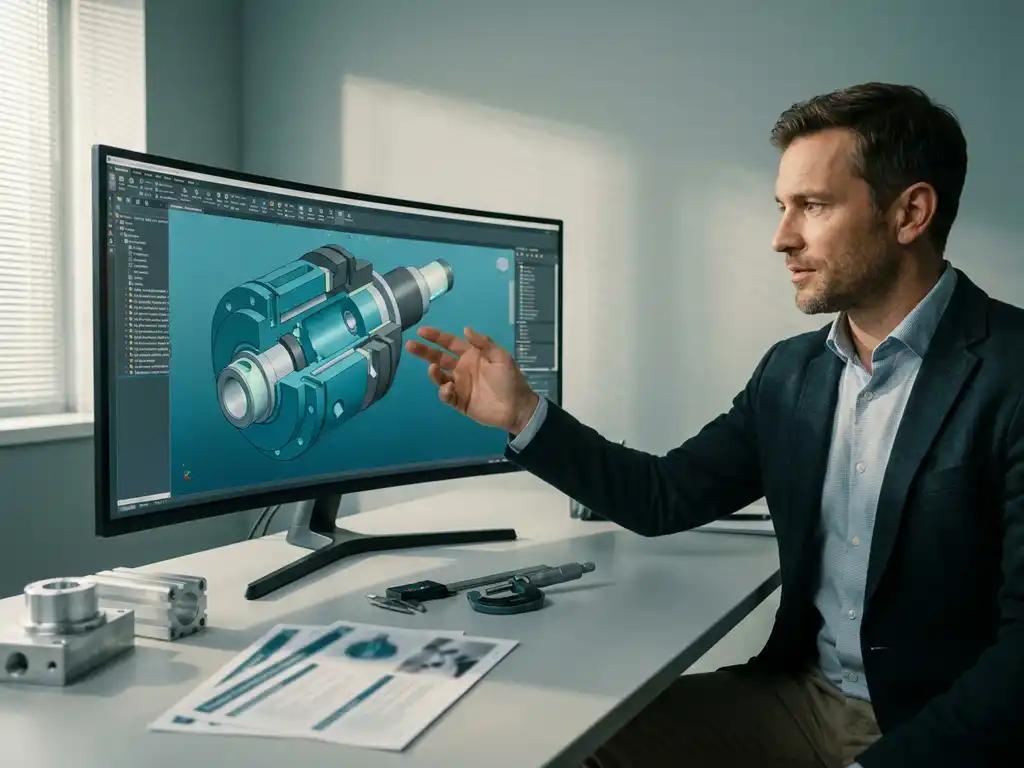
It’s possible to make live adjustments to a design during a client meeting if your CAD software operates without complex dependencies between parts. In modern 3D CAD environments, you can instantly change dimensions, materials, or configurations and display the results immediately, without having to rebuild the entire model.
In practical terms, this requires a few things:
- A flexible model structure: Your design should be structured in such a way that you can modify one component without causing ten other components to generate error messages.
- Quick rendering: You don’t need hours of rendering time. A real-time or near-real-time preview is enough to give the client a good idea of what it will look like.
- Pre-selected options: Think ahead about the choices a customer is likely to make, and prepare those options so you can switch between them quickly.
- Familiarity with your tool: Making adjustments in real time only works if you know the software well. Practice this scenario in advance so you come across as confident.
The ability to make adjustments on the spot is a powerful selling point. It shows that you’re flexible, that customization is no problem for you, and that the customer has a say in the final result.
What presentation features are often missing from traditional CAD software?
Traditional CAD software is designed for technical accuracy, not for client presentations. As a result, many traditional packages lack features that can make all the difference during a sales pitch.
Common shortcomings:
- Unrealistic material rendering: The models look technical, not visually appealing.
- Rigid model history: Making changes requires navigating a complex tree of dependencies, which makes making changes in production nearly impossible.
- Limited export options: There is no easy way to share a model as an interactive file or a lightweight viewer.
- Slow learning curve: Employees spend more time learning the software than improving their presentation skills.
- No integrated configurator: Displaying variants requires separate files instead of a single flexible model.
As a result, designers produce technically strong work but are unable to present it in a way that appeals to the client. The software then becomes an obstacle to commercial success, even though the design itself is excellent.
When is it time to switch to a different CAD solution?
It’s time to switch to a different CAD solution when your software consistently holds back your commercial effectiveness. This is the case if you regularly lose projects to competitors who present their work more quickly, more flexibly, or with more visual impact, even though you know your designs are at least as good technically.
Clear signs that a change is worthwhile:
- You cannot make live adjustments during customer meetings without the risk of errors.
- Building a presentable model takes more time than the design itself.
- It takes new employees months to become productive using the current software.
- You’re missing features such as material rendering, quick export, and configurable variants.
- You feel that the software limits your creativity rather than supporting it.
Making the switch doesn’t have to be a major undertaking if you choose software with a short learning curve and good support. Be sure to also look into the training and guidance offered with a new package, so your team can get up to speed quickly.
How IronCAD Helps Create a More Impactful Customer Presentation
IronCAD was developed with precisely the challenges described above in mind. The software offers a unique combination of technical precision and presentation capabilities, making it ideal for companies in the manufacturing industry that provide custom solutions and want to showcase them effectively.
What IronCAD specifically offers:
- Flexible 3D design without history dependencies: Make changes to parts directly without having to navigate through a complex model structure. Ideal for making adjustments on the fly during client meetings.
- Realistic visualization: Display materials, colors, and finishes directly in the model so the customer can see exactly what they’re getting.
- Steep learning curve: New users are productive within days, not after months of training.
- Integrated Output: Automatically generate cutting lists, purchase lists, sheet nesting optimization, and NC codes from the same model you showed the customer.
- Versatile: Suitable for furniture and interior design, metalworking, machine building, and more. Check out the industries we serve for more context.
Would you like to know if IronCAD is a good fit for your design and sales process? Contact us for a no-obligation consultation or a customized demonstration.