What is the best way to move from design to production without any intermediate steps?
The best way to move from design to production without any intermediate steps is to use CAD software that automatically generates production data from the 3D model. Instead of manually transferring data to cutting lists, layouts, or NC code, this is done directly and error-free from the design itself. In this article, we answer the most frequently asked questions about this process, so you know exactly where the benefits lie.
What steps are typically involved between design and production?
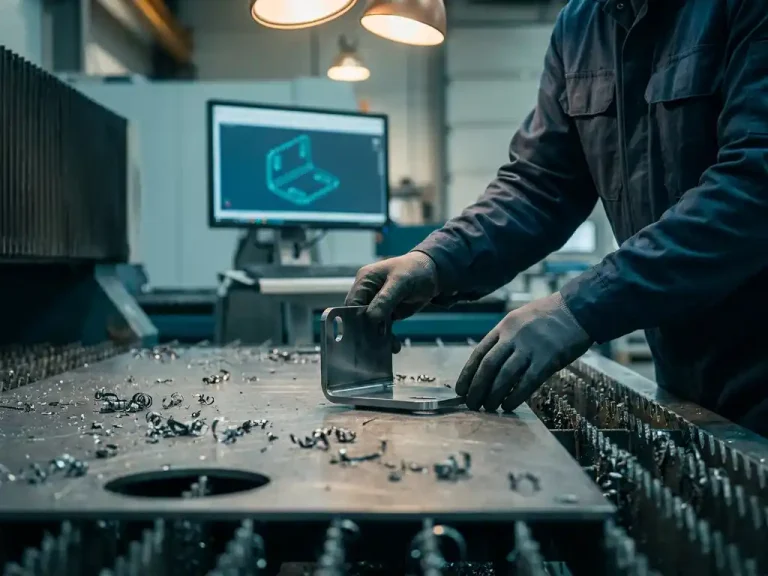
Traditionally, there are several manual steps between design and production: converting the 3D model into a flat pattern, manually creating cutting lists and parts lists, generating NC code for machines, and passing bending instructions on to the shop floor. All of these steps take time and are prone to errors.
In practice, the process at many metalworking companies looks like this:
- A designer creates a 3D model in CAD software
- The model is manually converted into a flat pattern
- Bend angles, radii, and set lines are noted or typed separately
- Based on this, a production planner prepares a cutting list and a bill of materials
- NC code is generated manually or using a separate CAM package
- The workshop receives individual documents and begins production
Every transition between these steps is an opportunity for errors to occur. Especially in custom or one-off production, where every part is unique, the margin for error can quickly increase. Companies that want to operate more efficiently are looking for ways to eliminate or automate these intermediate steps.
How does CAD software automatically convert a 3D model into manufacturing data?
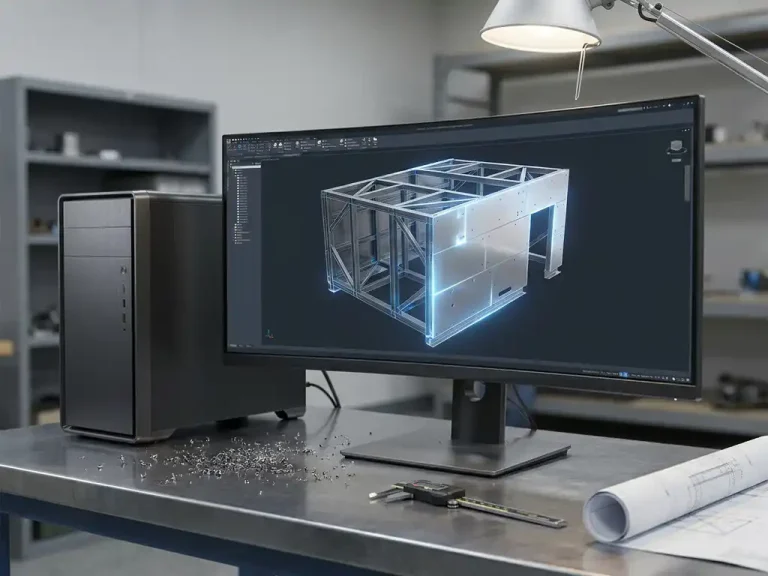
Modern CAD software automatically converts a 3D model into production data by directly linking the model’s geometry to production formats. As soon as you model a sheet metal part with the correct material thickness, bend radius, and angles, the software automatically calculates the flat pattern, the fold lines, and the corresponding bending information—without requiring any manual input.
This works because the software tracks the relationship between the folded 3D model and the flat sheet. Any adjustment you make to the 3D design—such as a different angle or a modified radius—is immediately reflected in the unfolded pattern and the production documents. This is fundamentally different from working with separate drawings or individual files for each production step.
For companies in the sheet metal fabrication industry, this means, in practical terms, that the model can be used immediately for:
- Laser cutting machines and punching machines controlled by NC code
- Edge Bending Using Bending Schedules with Precise Bending Information
- Purchasing Using Automatically Generated Bill of Materials
- Sheet optimization to minimize material waste
What are cutting lists, sheet optimization, and NC code, and why are they important?
Cutting lists, sheet optimization, and NC code are the three most important types of production data that can be automatically generated from a CAD model. Together, they form the bridge between digital design and physical production on the shop floor.
Saw lists
A cutting list is an overview of all the parts that need to be cut from a sheet or profile, including dimensions, material, and quantities. Creating one manually takes time and can easily lead to errors, especially in complex projects with many different parts. An automatically generated cutting list is always in sync with the design.
Plate Optimization
Sheet optimization determines how parts are arranged on a sheet as efficiently as possible to minimize material waste. Software accomplishes this by intelligently nesting the shapes based on the available sheet sizes. This can make a significant difference in material costs, especially when working with more expensive metals or large volumes.
NC code
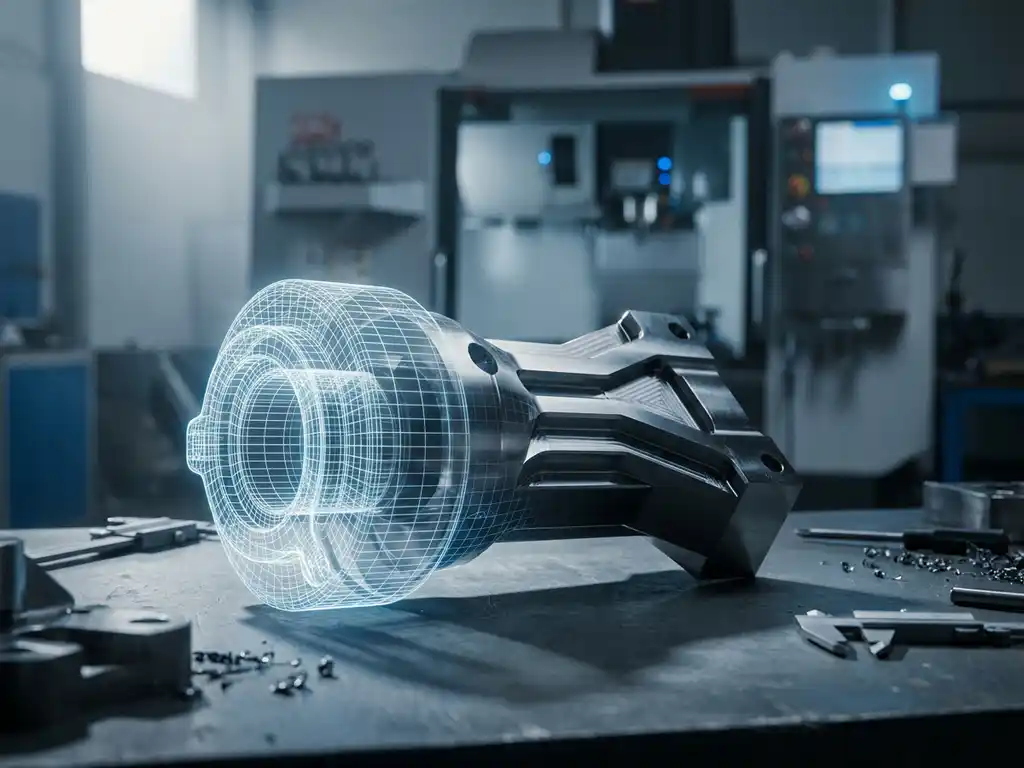
NC code is the programming language that CNC machines understand, such as laser cutters, milling machines, and punch presses. When NC code is automatically generated from the 3D model, a programmer no longer has to enter it manually. This saves time and prevents errors that can occur when manually programming complex shapes or large numbers of parts.
What kinds of errors occur when you manually link design and production?
When you link design and production manually, errors can occur due to manually retyping dimensions, using outdated versions of drawings, and miscommunication between the designer and the production planner. These errors lead to scrap, rework, and delivery delays.
The most common problems are:
- Versioning errors: the workshop is working from an older drawing, even though the designer has already made a revision
- Typing errors: Dimensions are entered incorrectly when manually filling out cutting lists or NC programs
- Unfolding errors: A manually calculated flat pattern is not exactly correct, causing the folded part to not fit
- Bending errors: bend lines or bend angles are entered incorrectly, resulting in rejection after bending
- Material waste: Without sheet metal optimization, parts are nested inefficiently, resulting in additional material costs
In single-unit production or custom manufacturing, these errors are particularly costly because there is no buffer provided by producing multiple units. A single error immediately requires a new production run and causes a delay for the customer.
When is a CAD solution with integrated production planning the right choice?
A CAD solution with integrated production planning is the right choice when you regularly work with sheet metal, custom-made parts, or complex structures where both accuracy and speed are essential. The more variation there is in your orders and the shorter the lead times, the greater the benefits of an integrated approach.
Specifically, such a solution is worth considering if:
- Your planning team spends a lot of time manually creating lists and schedules
- You regularly encounter production errors that can be traced back to incorrect or outdated data
- You work with CNC machines that require NC code, which you currently generate manually
- You want to reduce your material costs through smarter sheet optimization
- Your designers and work planners are currently working in separate systems that don’t communicate with each other
For companies that primarily engage in single-unit or small-batch production, the time savings per order are significant. For larger production runs, consistency is also key: each part is manufactured in exactly the same way, without human input errors affecting quality.
How can you use IronCAD to go directly from design to the shop floor?
You use IronCAD by designing directly in 3D and letting the software automatically generate the production data. The model remains continuously linked to the cutting layout, the bending lists, and the bending information, so that any changes are immediately reflected in all production documents.
IronCAD offers a complete workflow specifically designed for metalworking and sheet metal fabrication:
- 3D design with direct flat pattern: You model the sheet metal part, and the flat pattern is calculated automatically, including cutting lines and bending information
- Visual adjustments in 3D: adjust bend angles or radii and immediately see the effect on manufacturability and the resulting shape
- Automatic cutting lists and parts lists: always in sync with the design, without having to retype anything manually
- Sheet optimization using Para-Flex: parts are automatically nested onto available sheet sizes to minimize material waste
- CNC code ready for the machine right away: from design to CNC machine with no middleman
As an official IronCAD distributor, we’ll guide you from implementation through to day-to-day use, including training and customized solutions for your specific manufacturing process. Would you like to know what IronCAD can do for your metalworking business? Contact us, and we’ll explore the possibilities together.