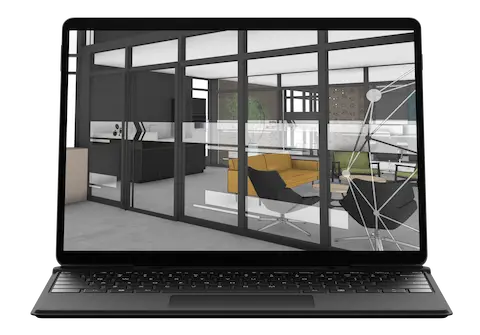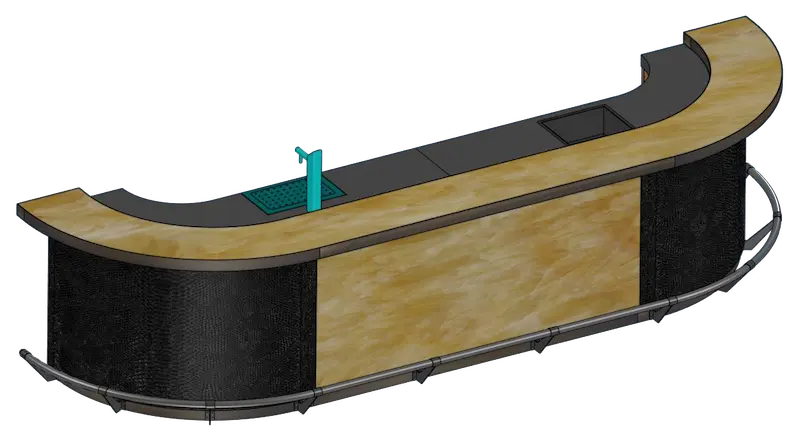
Nijboer Interior & Design
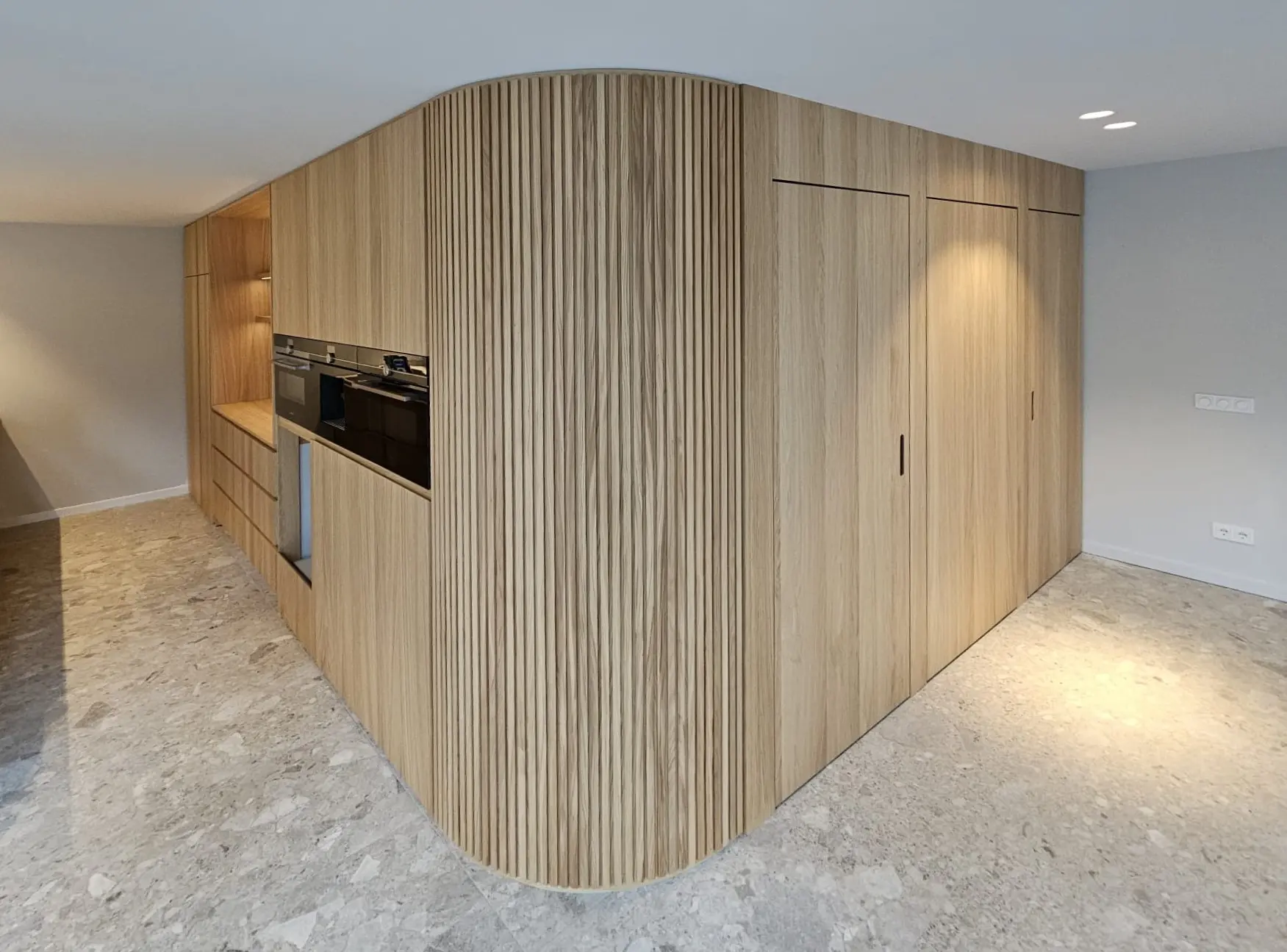
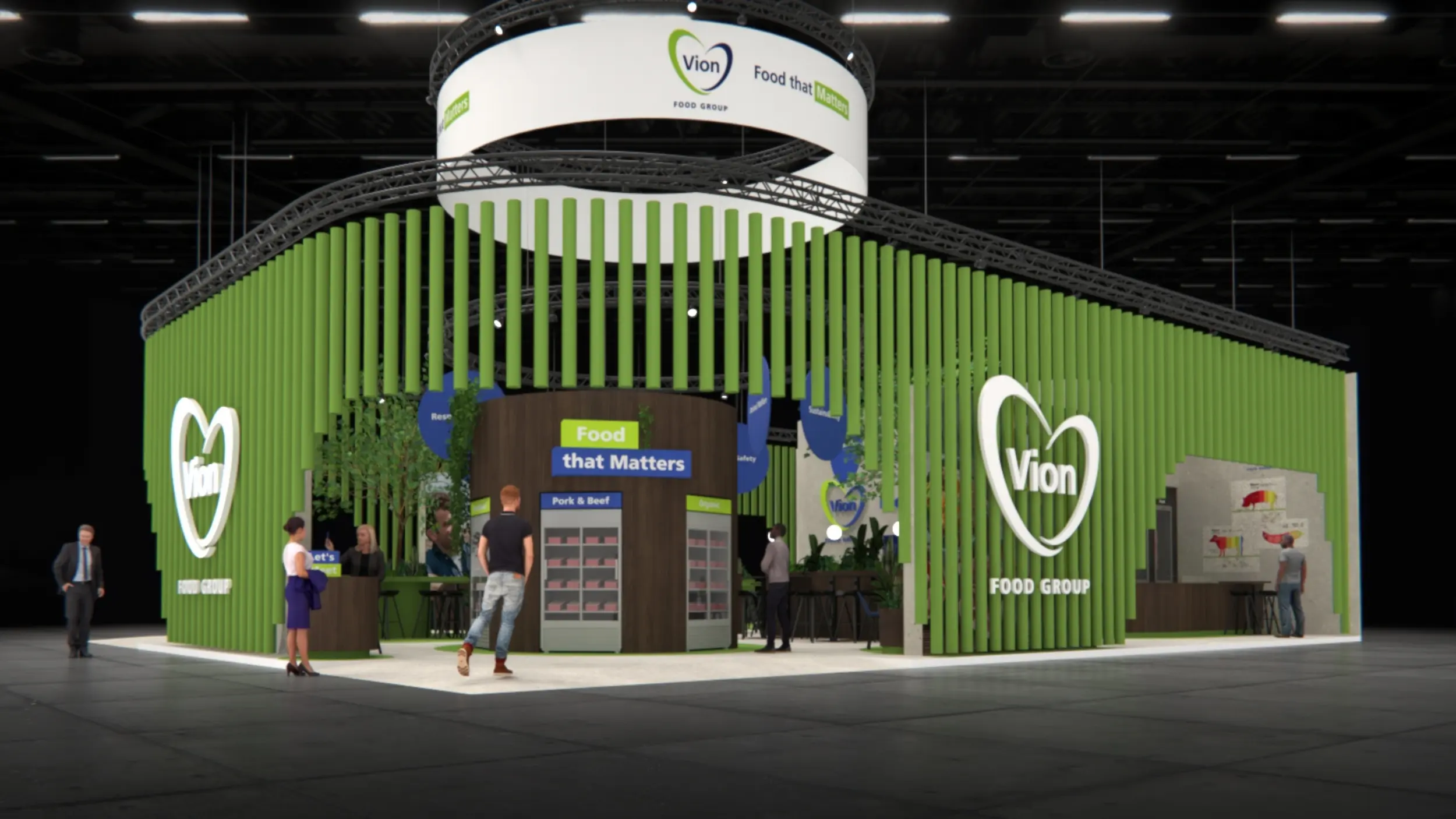
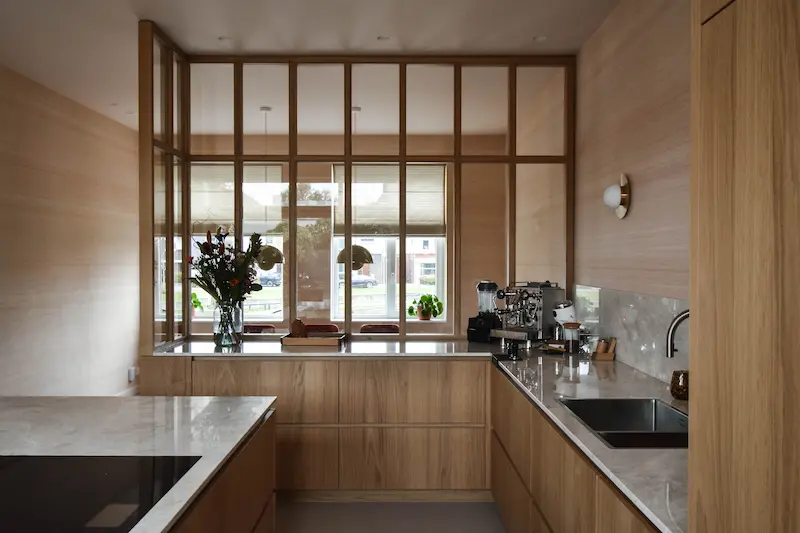
Nijboer Interieur & Design brings interior design wishes to life. Since 1992, they have been realizing exceptional interior design projects for both the corporate and private markets. With a close group of professionals, the company works from Mariënheem on custom interiors in which craftsmanship and efficiency come together.
To make the move from 2D to 3D and fill saw lists automatically, Nijboer chose IronCAD in 2017. This made designs more insightful, processes less error-prone and the connection to production further optimized.

Custom interiors
Interior design projects for corporate and private clients
Working smarter with catalogs
Standard solutions easily placed via drag and drop
From 2D to 3D
Greater understanding of design, sizing and execution
Fewer errors
Dimensions directly incorporated into the cutting lists
The challenge
Previously, Nijboer worked entirely in 2D. The desire was to make the switch to 3D while further automating the production process.
A key goal was to automatically populate the saw chart. In addition, Nijboer wanted to reduce the chance of errors that could arise from manual entry of dimensions. Design, work preparation and production had to fit together better.
The solution: IronCAD with Para-Flex
After several demonstrations, Nijboer chose IronCAD. During training sessions the basics of the program were learned, after which more and more use was made of features such as proprietary catalogs, Para-Flex and various shortcuts.
Today, Nijboer uses IronCAD for drawing and working out almost all of its products. By properly populating the catalog, standard cabinets and setups can be easily placed into a design via drag & drop.
Key benefits
- Moving from 2D to 3D
- Automatically filled cutting lists
- Working with your own catalogs
- Drag and drop placement of standard cabinets
- Seamless connection with HOMAG CNC machines
Simpler and less error-prone working
Filling the catalog properly has made drawing with IronCAD easier for Nijboer. Designs are clearer for colleagues in the workshop and parts can be placed and adjusted faster.
Previously, small input errors could occur in dimensioning. Now: once a panel is drawn, the correct exact dimensions are on the cutting chart.
3D designs for customers
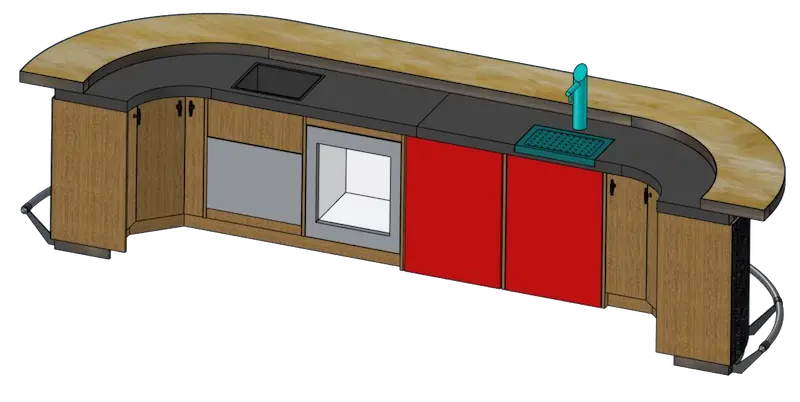
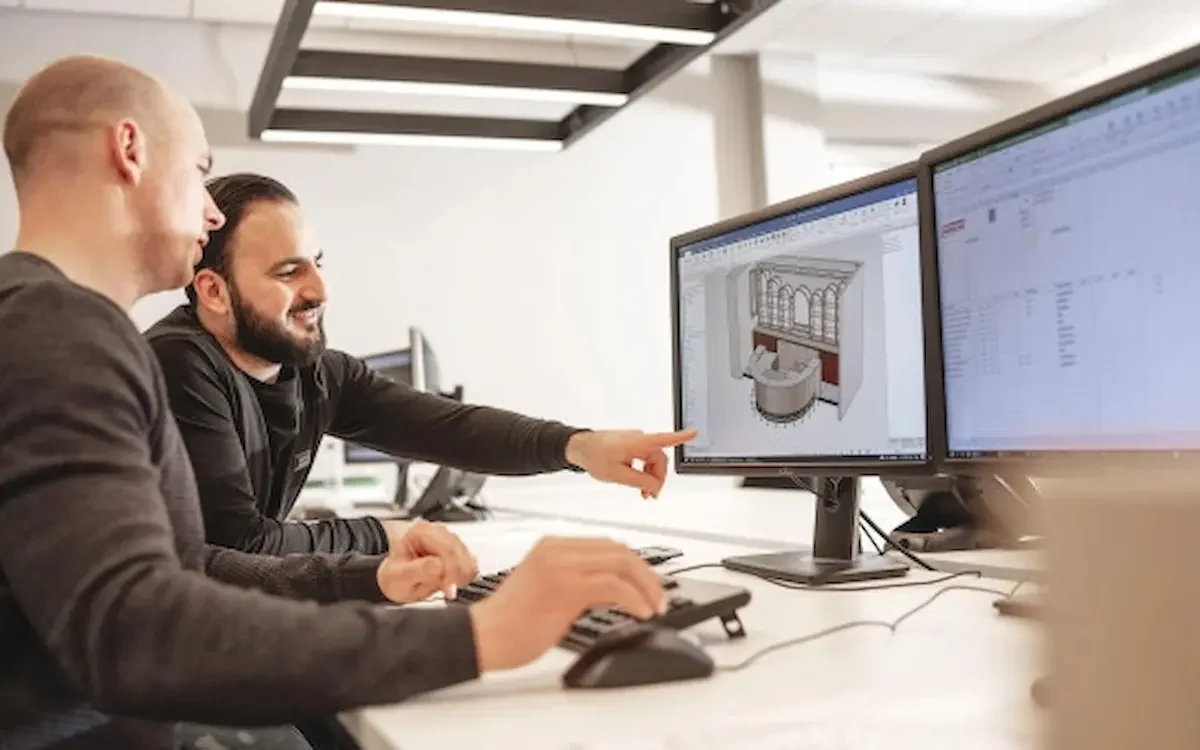
Nijboer finds that customers mainly look at the 3D image of a piece of furniture or component. Based on that, they provide additional wishes or modifications.
A technical production drawing is often more difficult for customers to understand, especially if they do not work with this field on a daily basis. Therefore, the 3D model makes the design more accessible.
Control of HOMAG CNC machine
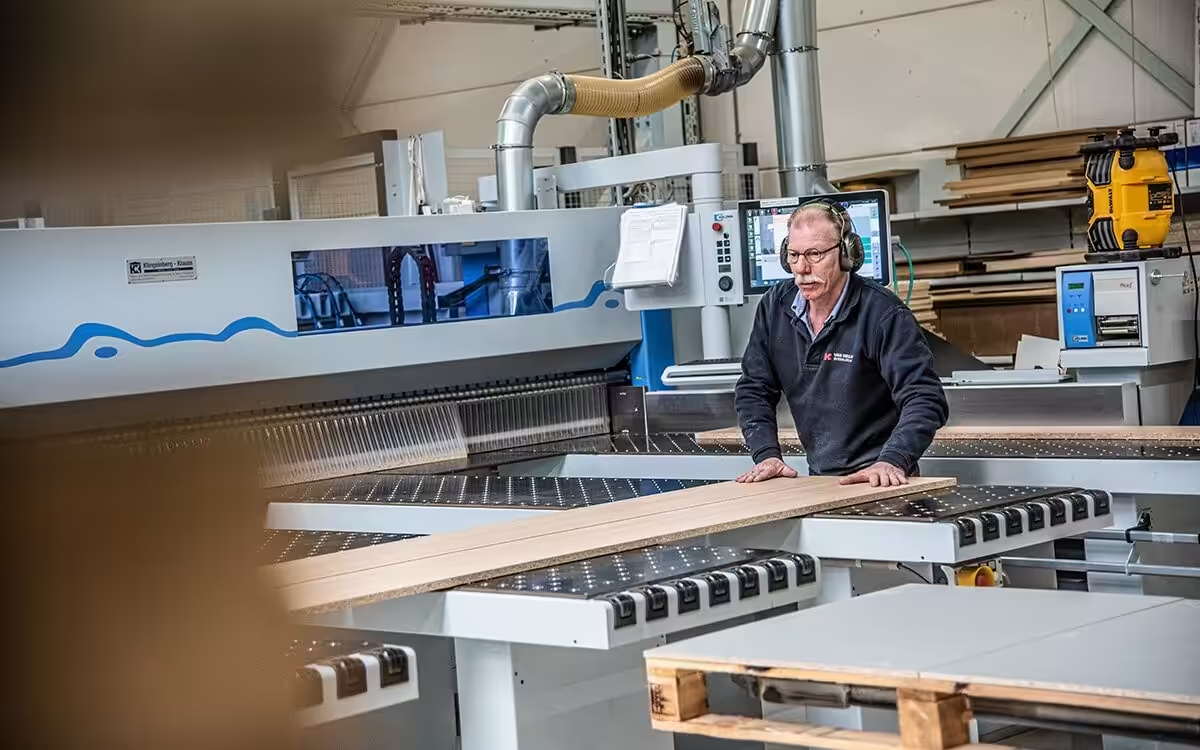
Nijboer has seamless control to the HOMAG CNC machine via Para-Flex CAM. This further automates the process.
The correct bores for hinges in cabinet sides and fronts are automatically acquired and then sent to the CNC as NC codes without further intervention by a programmer.
The result
With IronCAD, Nijboer no longer works only in 2D, but in 3D. Saw lists are automatically filled with the correct dimensions and corresponding edge processing. The connection to the machinery is also automated.
Fewer errors
No more small, quickly made mistakes
3D visualization
Easily review and modify designs
CNC control
NC codes without an additional programming step
“By filling the catalog properly, drawing is easier and less prone to error.”
Nijboer Interior & Design
See more experiences from IronCAD users
More than 100,000 professionals worldwide rely on IronCAD to design, develop and manufacture products and machines.
Rijmers Work Planning
Make work planning more efficient with 3D automation.
Redie Interiors
A 60–70% reduction in time spent on work planning.
Artica
From 3D design straight to production and CNC.
Idos Interiors
Design smarter, produce faster.
Thomas Bos Interieurbouw
Design faster with fewer production errors.
Van Keulen Interieurbouw
20% higher productivity with integrated CAD/CAM.
Boaz Wood and Furniture
Artisanal craftsmanship combined with smart automation.
Harmeling Interieurs
Fewer errors and lightning-fast CNC control.
Want to discover for yourself what IronCAD can do for your business?
Request a trial version or schedule a no-obligation demo.