3D CAD software for interior design
Design custom interiors faster, implement changes immediately, and use a single 3D model to create working drawings, bills of materials, and production plans.
For interior construction and furniture making
From Design to Work Planning and CNC
100,000+ users worldwide
Customization is evolving. Your 3D model simply has to keep up.
A cabinet gets wider. A material changes. The customer decides they want something different right before production. With IronCAD, you can adjust the design immediately, without having to rebuild your entire model.
Edit quickly
Adjust sizes, parts, and details right away.
Work from a single model
Design, drawings, and production remain interconnected.
Less duplication of work
Prevent changes from being made multiple times.
Suitable for customization
Cabinets, kitchens, counters, furniture, and complete interior design projects.
From design to production based on a single 3D model
Designs
Flexible 3D modeling and quick implementation of changes.
Work Planning
Working drawings, bills of materials, and manufacturing documentation.
Produce
Continue moving toward CNC with less manual data transfer.
See IronCAD in action
In just 10 minutes, see how to design and modify a custom interior and use the same 3D model to move forward toward production.

Designed for the way interior contractors work
No two custom projects are the same. With IronCAD, you can work flexibly with:
- Varying dimensions
- Wood, sheet materials, and metal
- Custom components and libraries
- Unique Custom-Made Structures
- Changes made late in the project
You retain the flexibility to customize, without having to start from scratch every time you make a change.
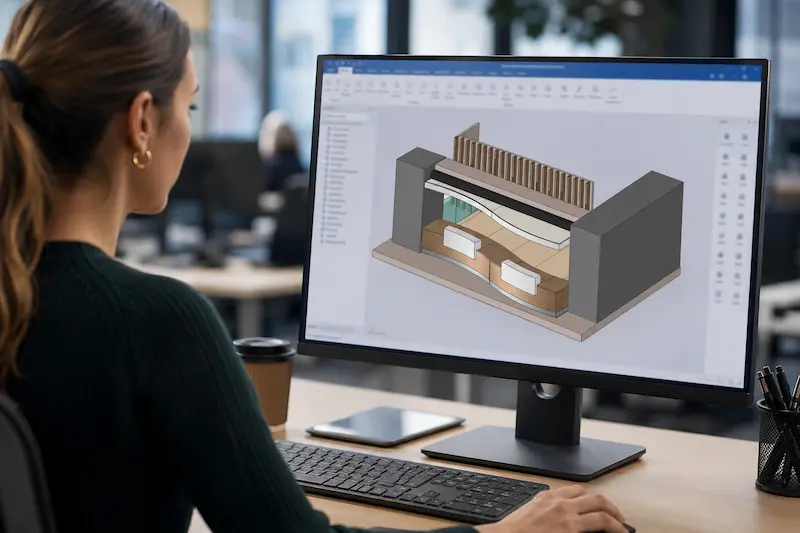
Used by interior designers in practice
From custom cabinets to complete project designs: interior design firms rely on IronCAD every day.
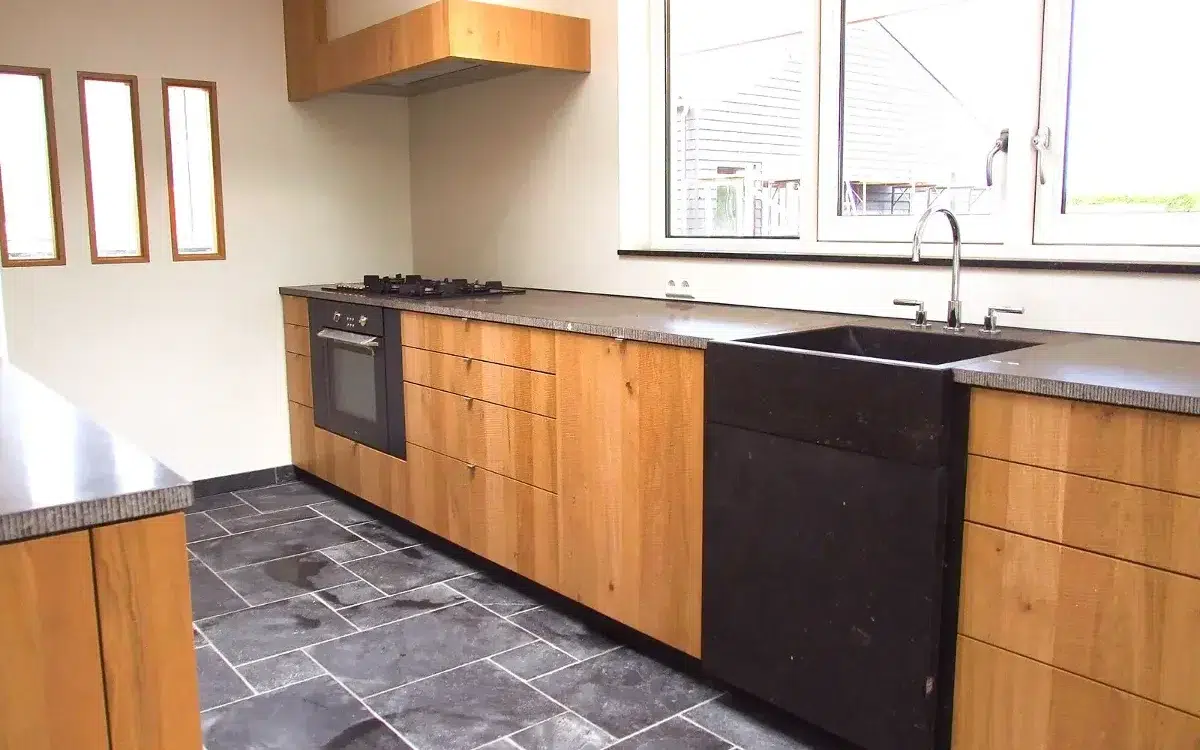
The Ribbenhout
Smart, custom solutions for exclusive interiors.
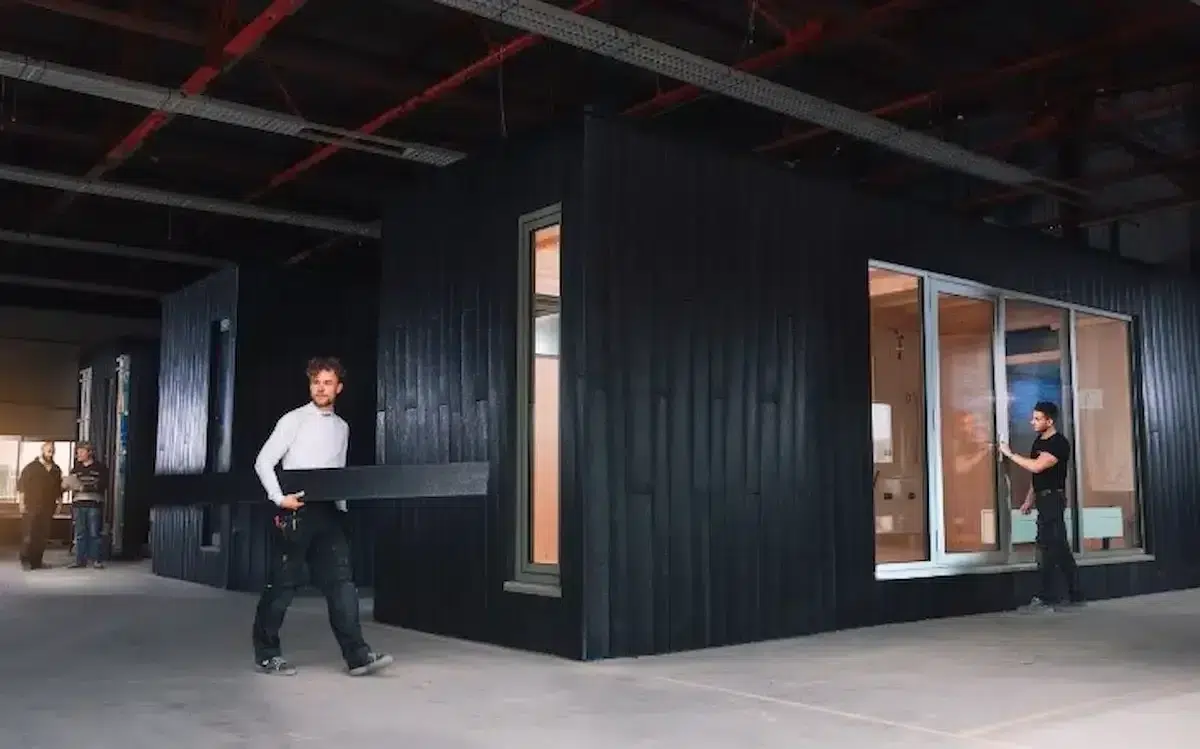
Clean2Anywhere
Smart Modular Design for Sustainable Production.
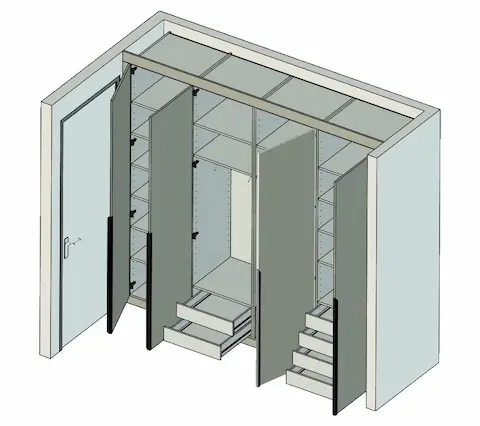
The Work Planner
Work planning is carried out more quickly and without errors.
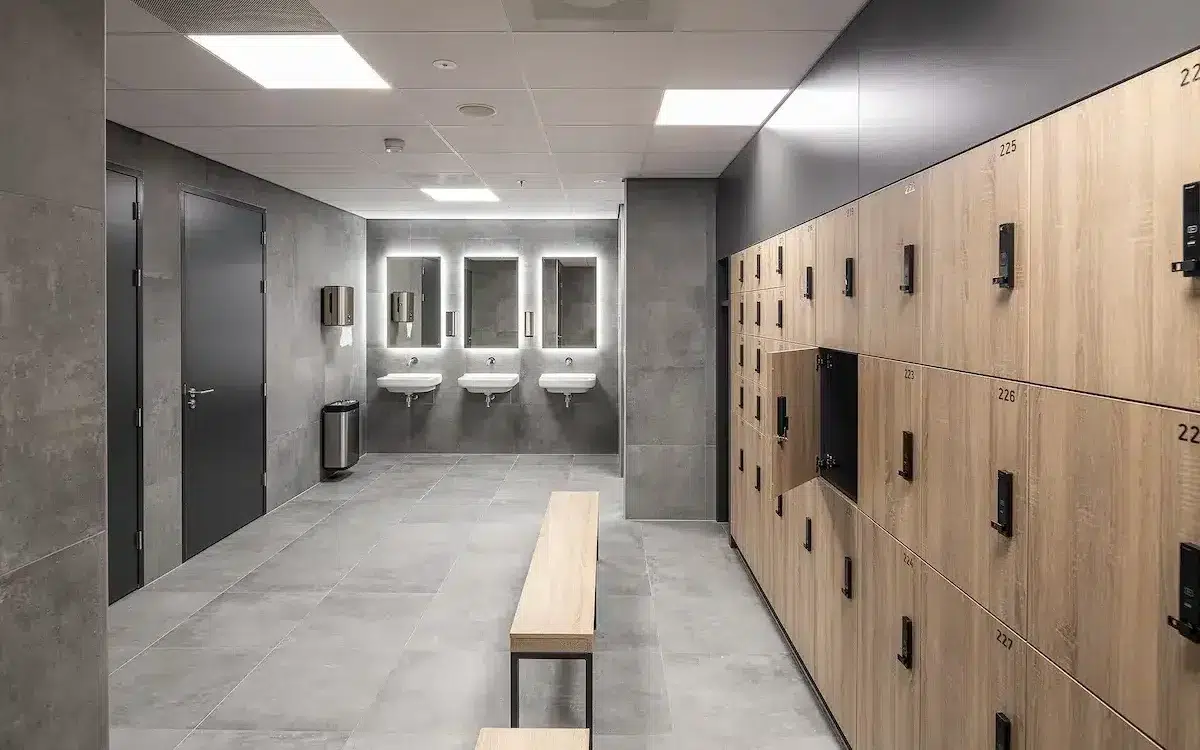
WEWO Interior Concepts
Efficient production of custom interiors.
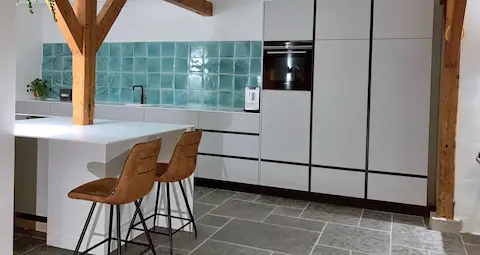
Design and More
Creative designs can be brought to life more quickly.
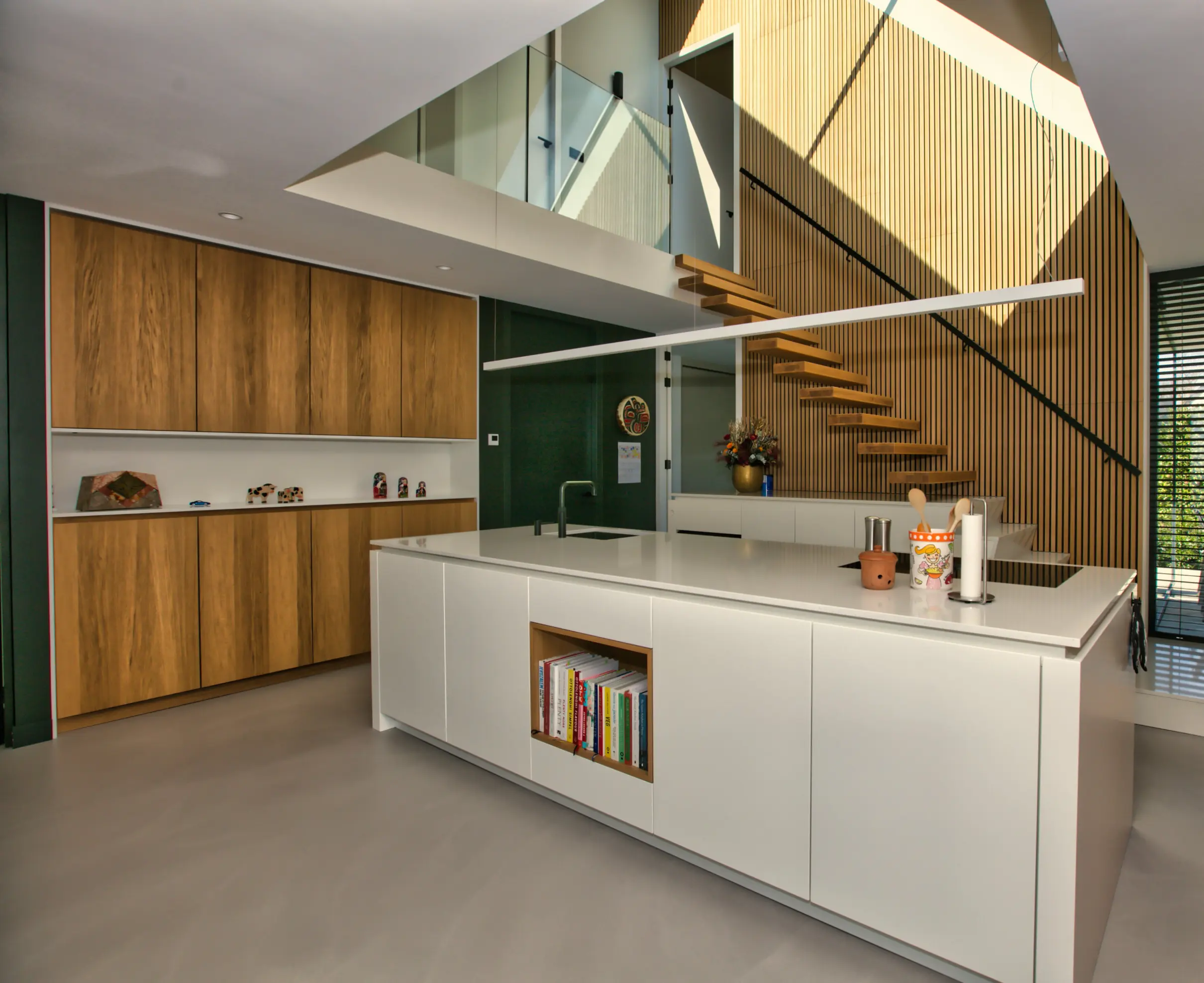
Van der Lee Interior Construction
Efficient customization thanks to smart 3D designs.
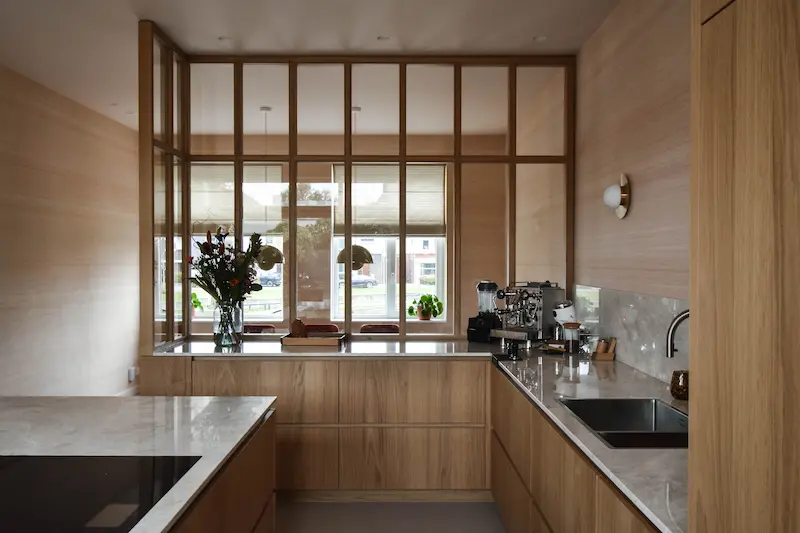
Thomas Bos Interieurbouw
Design faster with fewer production errors.
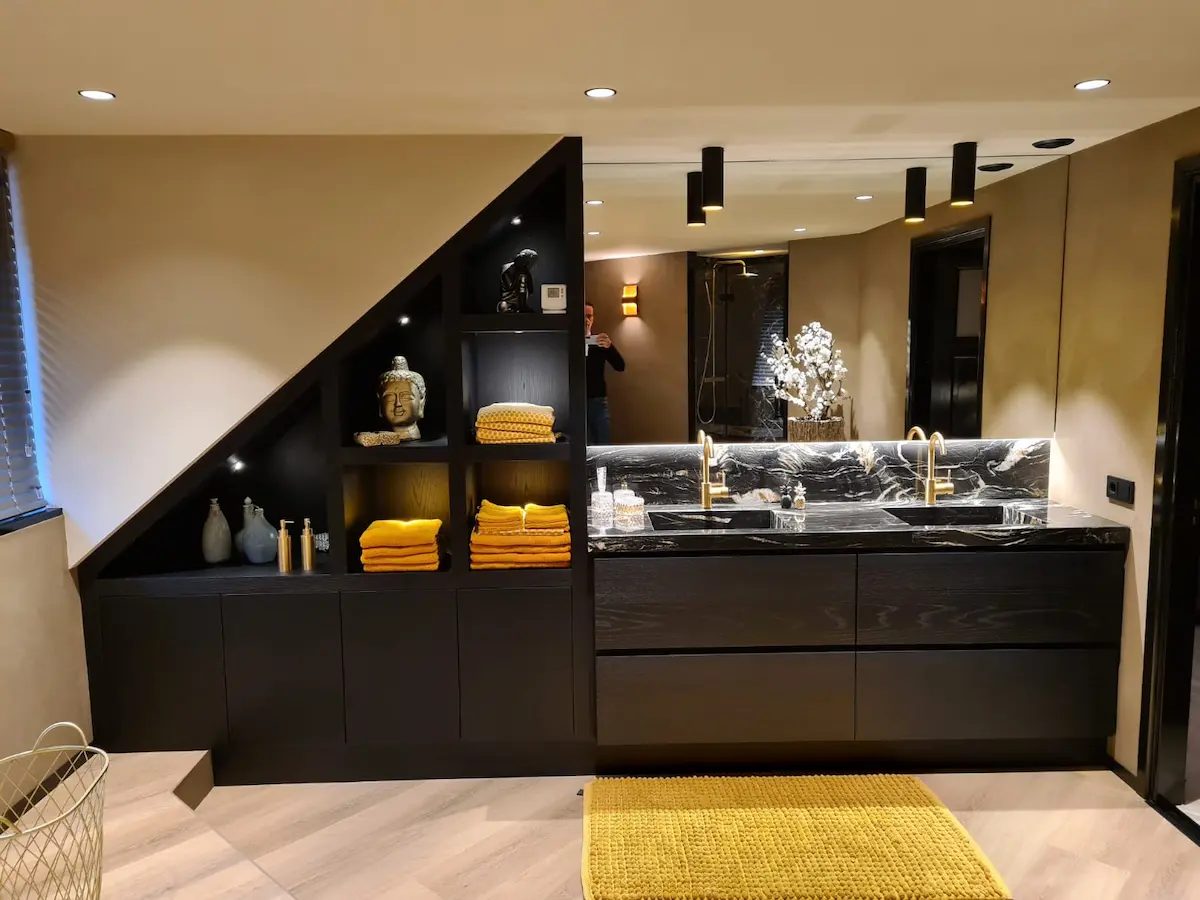
Akkermans Interior Construction
Faster turnaround for custom interiors.
Expand IronCAD with Para-Flex
Automate more of your work planning using the same 3D model. Less data entry. Fewer errors. Get to the shop floor faster.
With Para-Flex, you can make, among other things:
- Saw lists
- Purchasing lists
- Plate optimizations
- CNC output