
Usable STEP Files with IronCAD
Exporting a STEP file seems simple. In practice, however, it’s not just a matter of whether software can export to STEP, but primarily about the quality and usability of the exported model.
In the manufacturing industry, you rarely work entirely on your own. Designs are shared with suppliers, customers, engineers, manufacturing partners, and other departments. That’s why it’s important for a 3D model to remain fully usable outside your own CAD environment.
With IronCAD, you can export 3D models directly to STEP, allowing you to easily exchange designs with other parties and CAD systems.
Why STEP Is So Important in the Manufacturing Industry
STEP is a widely used, neutral file format for exchanging 3D data between different CAD systems.
This is important because companies in the supply chain don’t always use the same software. A supplier might use a different CAD package than you do, a customer might want to review a model, and an external engineer might want to further process your design.
This ensures the model remains usable outside the original design environment. A usable STEP file makes it easy to share a 3D model for:
Exchange between different CAD systems
Collaboration with Suppliers
Engineering by third parties
Transfer to customers and manufacturing partners
Exporting STEP from IronCAD
IronCAD supports direct export to STEP (.stp and .step), including STEP AP203 and AP214.
This allows you to export parts and assemblies from IronCAD to a widely accepted format for exchange with other companies and systems.
This isn’t just about the ability to create a STEP file. What’s far more important is that the geometry can be properly opened and used in the next step of the process.
With IronCAD, the exchange of 3D geometry is an integral part of the CAD workflow.
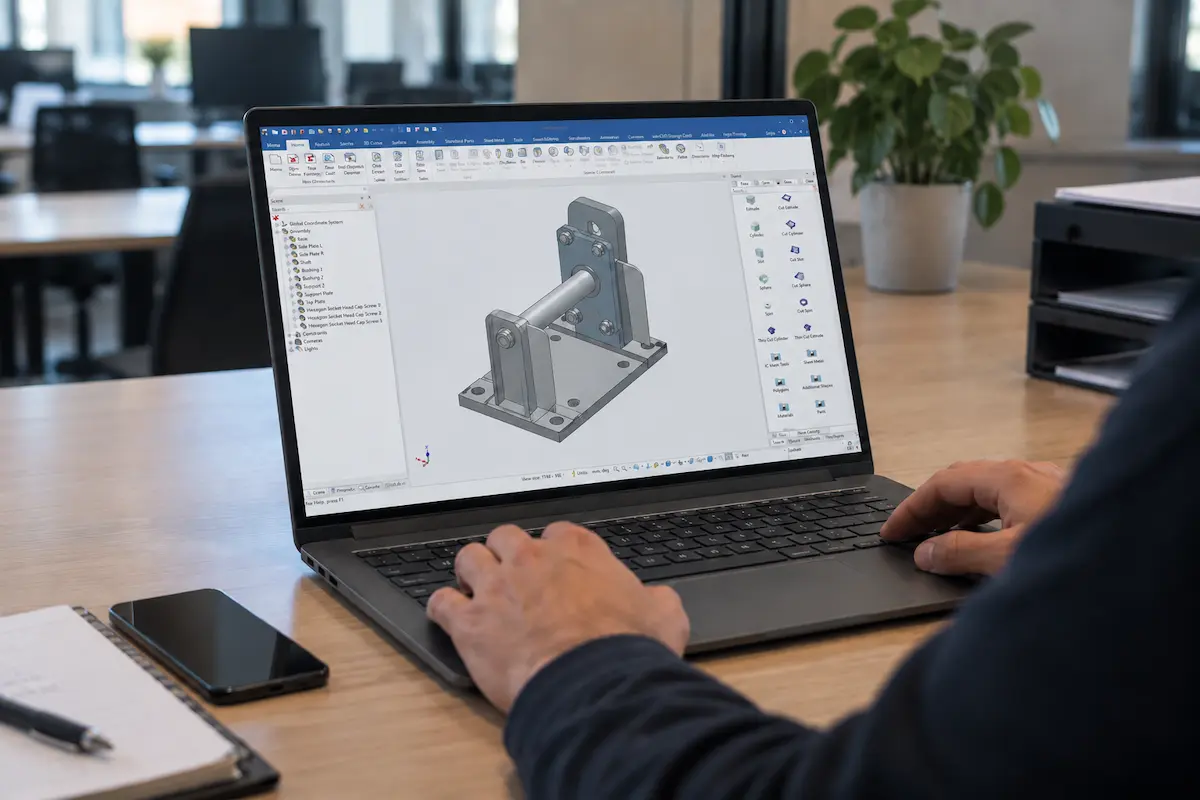
Not Just Exporting, but Collaborating Effectively
An export function alone doesn’t tell the whole story. In practice, you want to be able to share a model with a supplier, customer, or engineer without unnecessary conversions. Reliable file exchange is especially important when multiple companies are working on the same project.
A good STEP workflow helps keep communication clear and prevents unnecessary rework or additional conversions between different CAD systems. This makes collaborating with external parties easier.
From Design to the Next Batch
For manufacturing companies, the process doesn’t end when the 3D model is complete. The design often needs to be sent on to a supplier, customer, engineer, or manufacturing partner. That’s exactly when you want the file to be easily shareable.
With IronCAD, you don’t just design in 3D—you can also reliably exchange models with other parties in the supply chain.
This makes it easier to collaborate, review designs, and further develop projects—even when not everyone is using the same CAD system.
More Than Just STEP
STEP is a widely used format for CAD file exchange, but IronCAD supports many more file formats for import and export as standard. This allows you to exchange designs with clients, suppliers, and partners who use other CAD systems.
Extensions are also available for additional native CAD and BIM formats, such as the Translator and Architectural Translator.
End-User Experiences
More than 100,000 users worldwide now rely on IronCAD.

Redie Interiors
A 60–70% reduction in time spent on work planning.
Clean2Anywhere
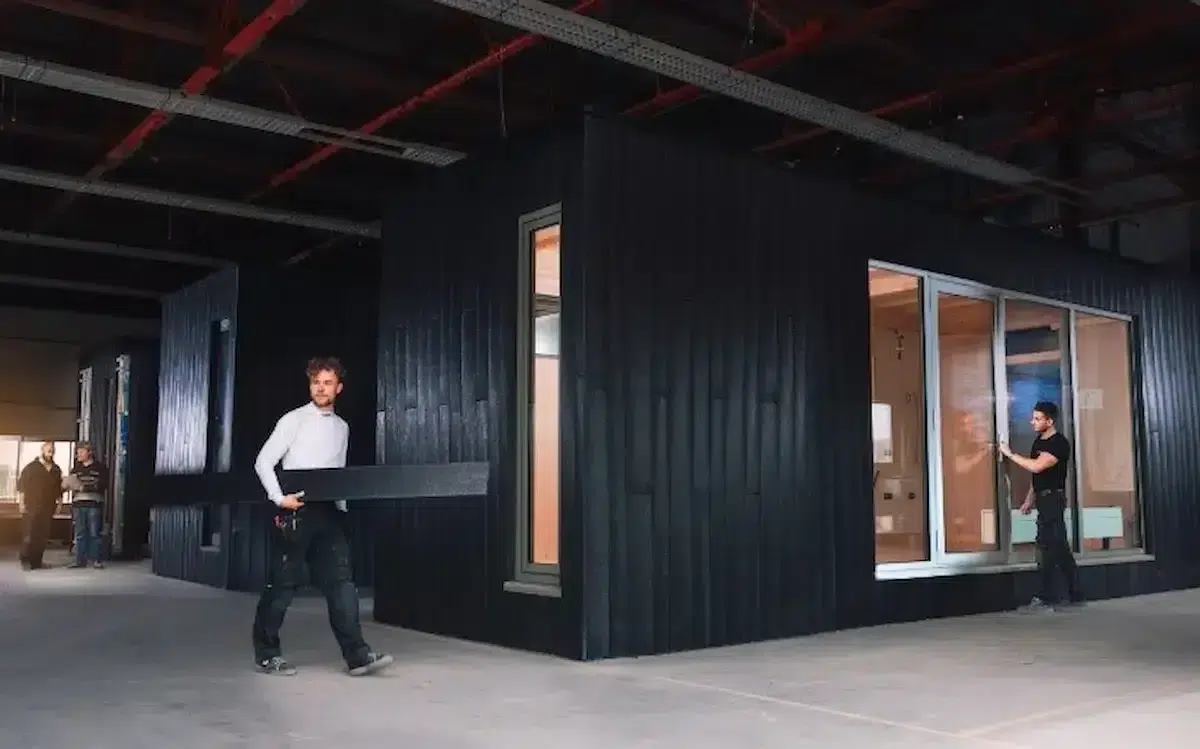
Smart Modular Design for Sustainable Production.

Baltic Yachts
Top-tier performance in luxury yacht interiors.

Rijmers Work Planning
Make work planning more efficient with 3D automation.

Akkermans Interior Construction
Faster turnaround for custom interiors.

Thomas Bos Interieurbouw
Design faster with fewer production errors.
Artica
From 3D design straight to production and CNC.
RUBEX Interiors
Interior construction with maximum efficiency.
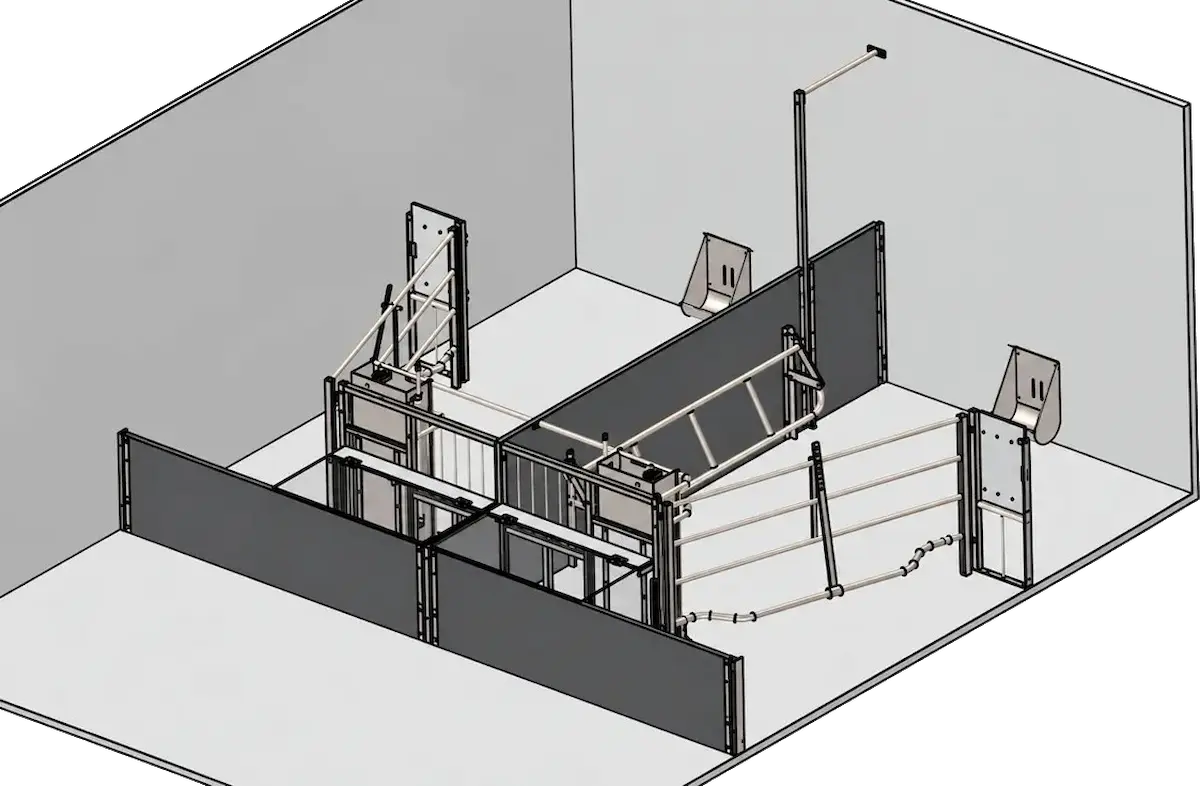
Rijk van Dam Barn Equipment
From 2D to smarter and clearer 3D designs.

De Jongh Machinery
Faster transition from engineering to production.