
IronCAD’s dual-kernel technology
Most CAD systems use a single modeling kernel. IronCAD uses two: ACIS and Parasolid.
These two engines each process 3D geometry in their own way. By supporting both within a single design environment, IronCAD offers additional flexibility when dealing with complex geometry and exchanging CAD data.
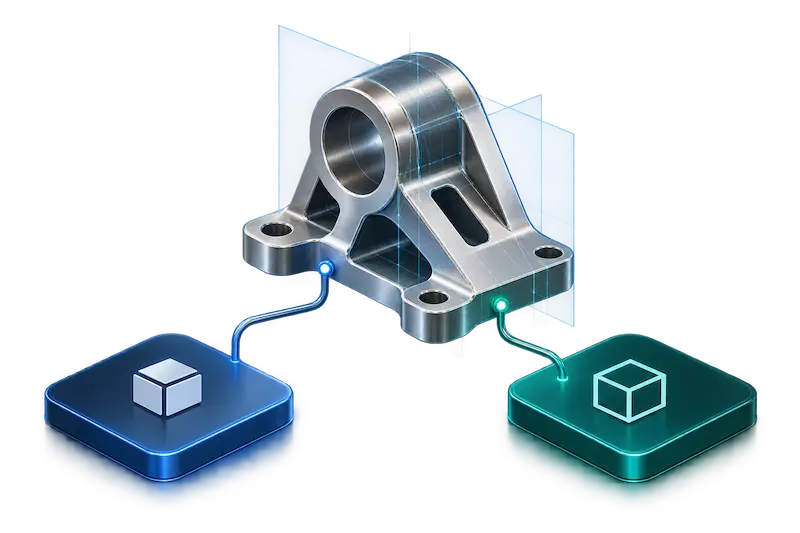
What is a modeling kernel?
A modeling kernel is the underlying software that determines how a 3D model is constructed and how geometric operations are calculated. Examples include fillets, chamfers, shells, and the merging or cutting of 3D shapes.
IronCAD uses two modeling kernels, each of which can handle certain geometric situations in its own way.
Parasolid
Developed by Siemens Digital Industries Software.
ACIS
Developed by Spatial, a division of Dassault Systèmes
Why two modeling kernels?
ACIS and Parasolid may handle certain geometric situations differently. An operation that doesn’t work well with one kernel can sometimes be resolved using the other.
IronCAD therefore allows you to work with both kernels within the same design environment and switch between them as needed.
Kernel Collaboration
For certain modeling operations, IronCAD may use the other kernel if the active kernel cannot properly resolve a geometric problem.
This happens, for example, with functions such as Blend, Chamfer, Shell, and certain direct geometric operations.
Import and Export Benefits
IronCAD supports, among other formats, ACIS SAT files and Parasolid X_T files. When importing, the corresponding modeling kernel can be used to ensure that native ACIS and Parasolid data is processed appropriately.
This provides additional flexibility when you receive models from different CAD systems and want to further edit them in IronCAD.
Switching Between ACIS and Parasolid
If a part or operation doesn’t produce the desired result, you can switch kernels yourself.
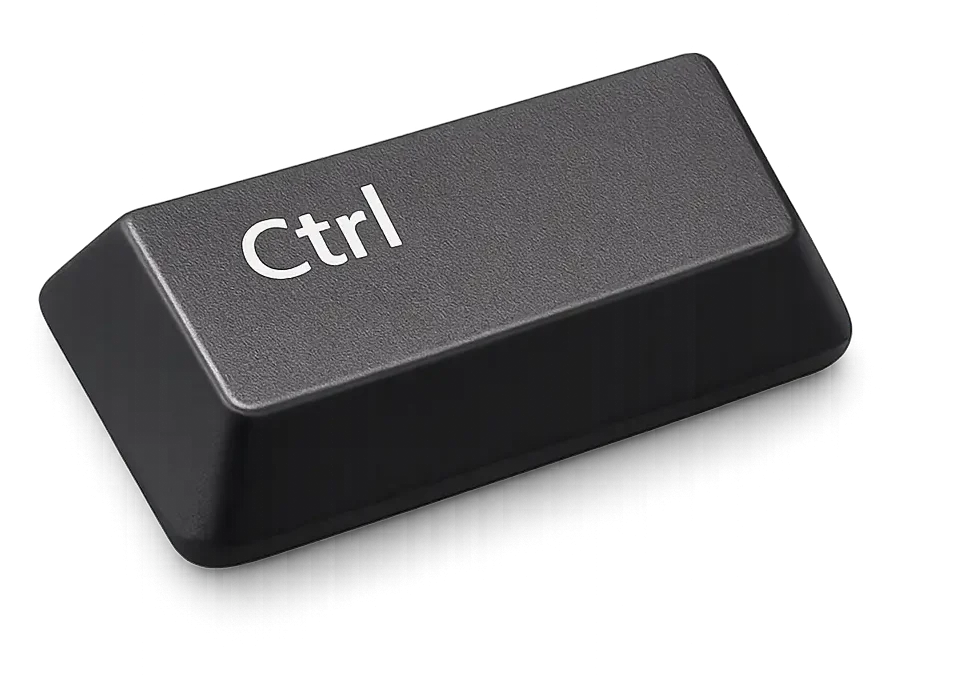
Select the part and press Ctrl + K to switch between ACIS and Parasolid. You can also change the modeling kernel via the part’s properties.
Two kernels within a single design environment
For most users, the choice between ACIS and Parasolid remains largely in the background. But when dealing with complex geometry, external CAD data, or an operation that doesn’t work right away, IronCAD offers additional options for continuing to work within the same design environment.
End-User Experiences
More than 100,000 users worldwide now rely on IronCAD.

Van der Lee Interior Construction
Efficient customization thanks to smart 3D designs.
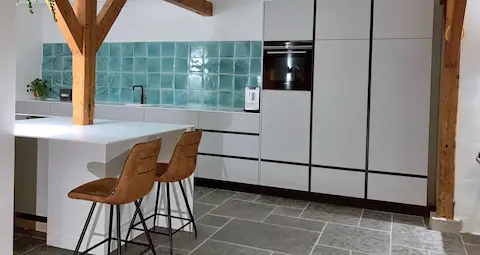
Design and More
Creative designs can be brought to life more quickly.
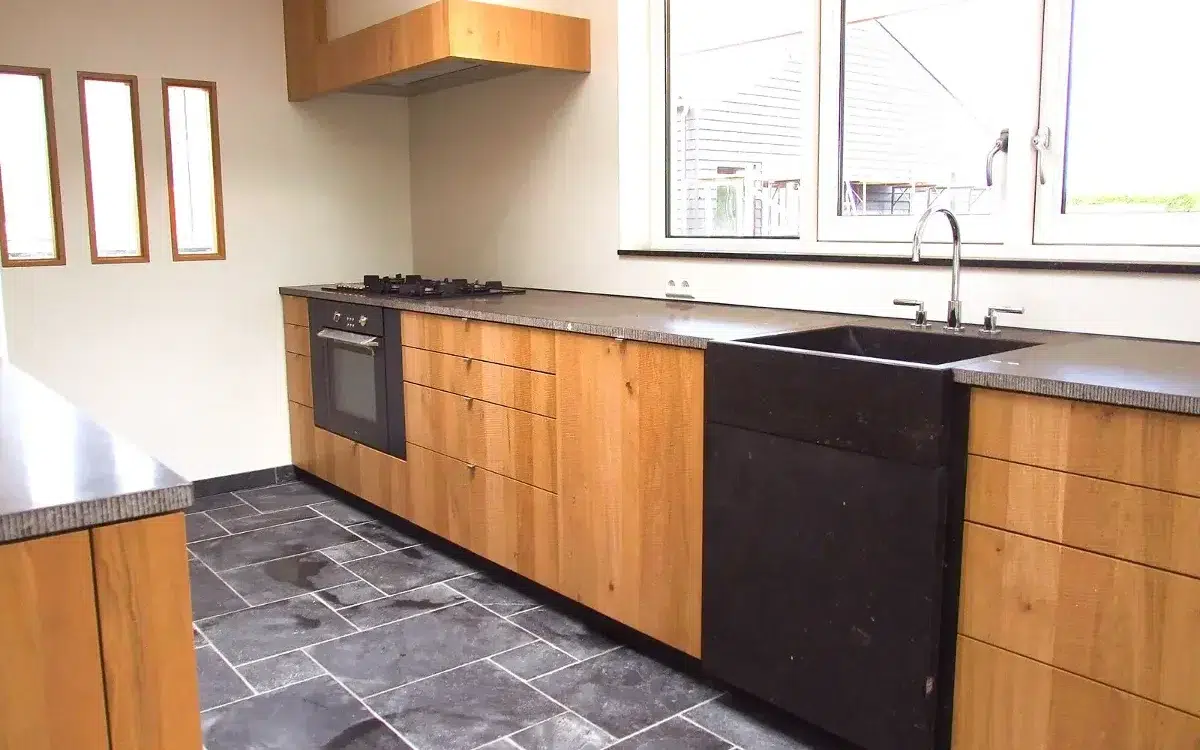
The Ribbenhout
Smart, custom solutions for exclusive interiors.
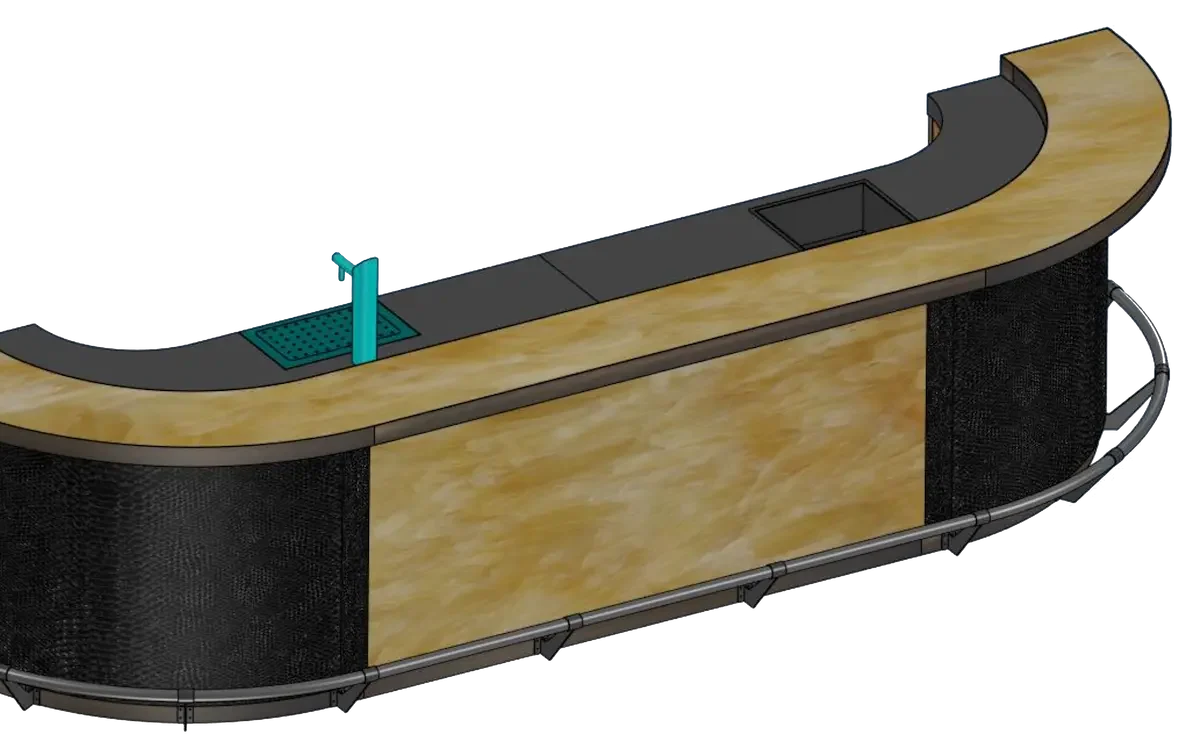
Nijboer Interior & Design
From 2D to full 3D and automatic cutting lists.
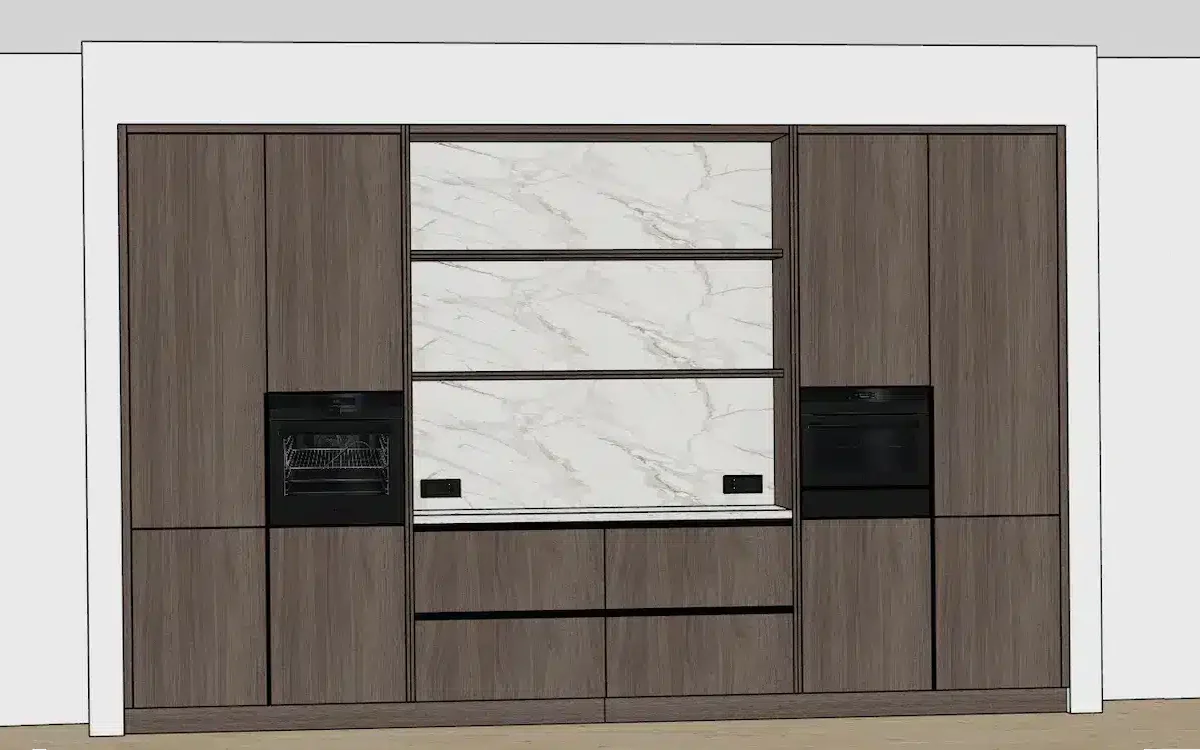
Interieur Oost
From design to CNC in a single, streamlined workflow.

Boaz Wood and Furniture
Artisanal craftsmanship combined with smart automation.
Harmeling Interieurs
Fewer errors and lightning-fast CNC control.
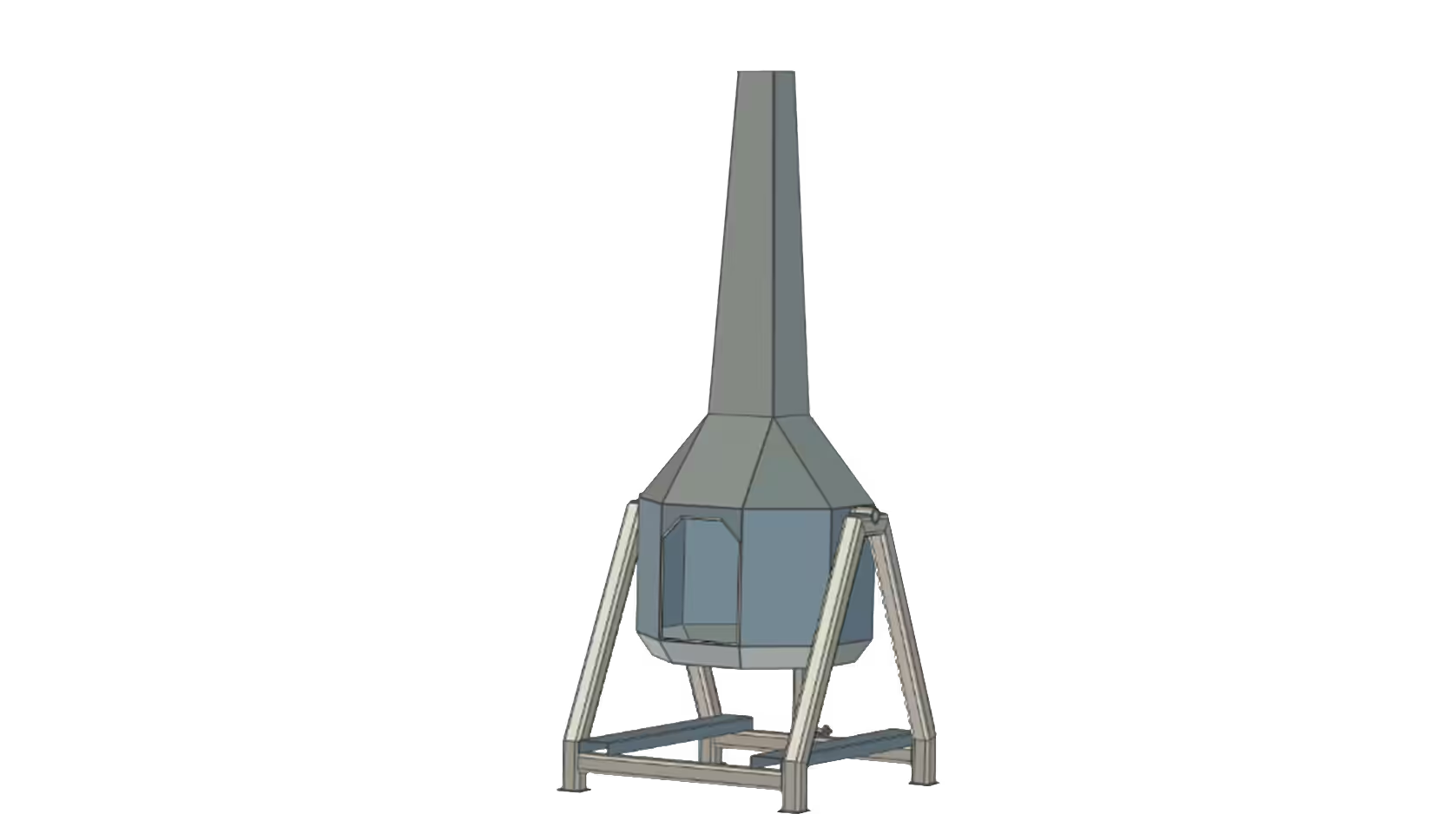
De Jongh Metal
More efficient engineering of metal products.
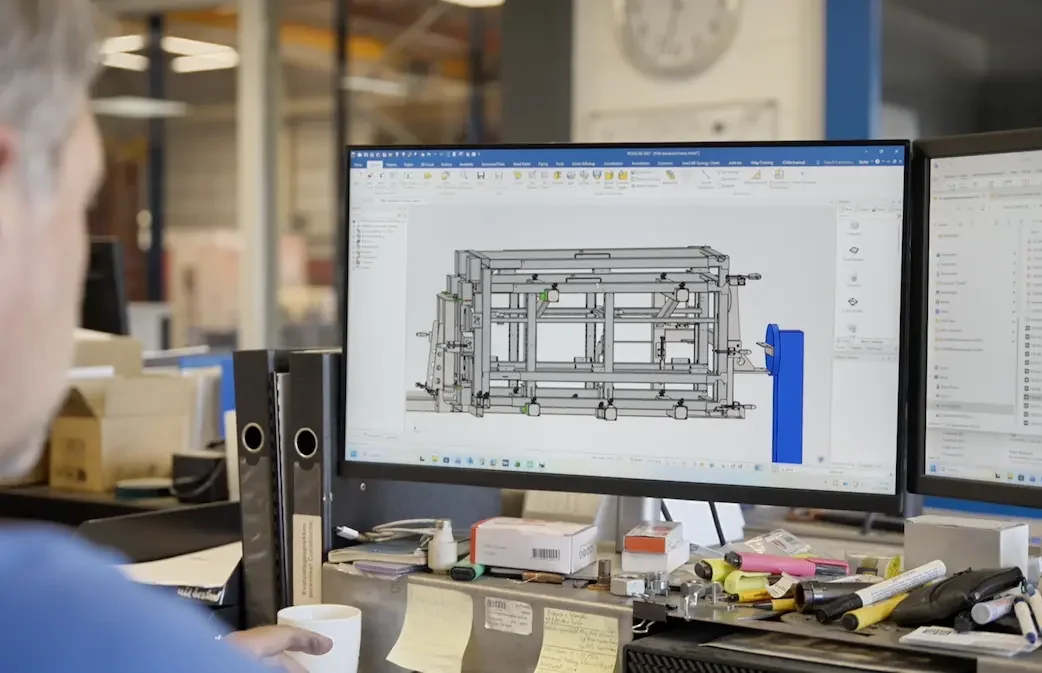
Laveno Metalworking
Practical 3D Design for Metalworking.
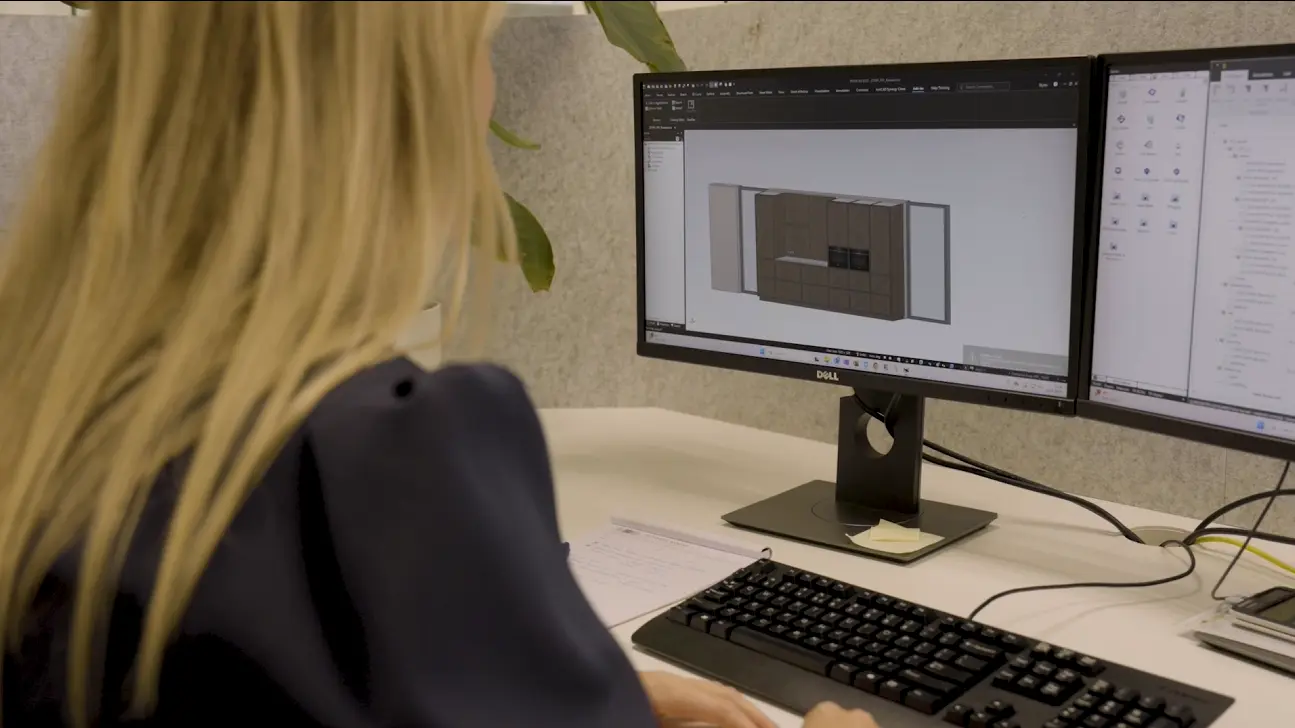
Technoplanning
Design faster with fewer production errors.