
Resources
Everything to get started faster
With the right tools, you can work faster and more consistently in IronCAD. Here you will find useful templates, basic settings and libraries that you can immediately use in your own projects.
Templates
Templates form the basis for new files in IronCAD and ensure that every design in 3D and 2D has the right settings immediately.
Basic Settings
With properly set up basic settings, you work faster and more consistently. Everything is instantly set right with each new project.
Libraries
Libraries give you access to ready-to-use parts, making your design even faster and more efficient.
User success stories
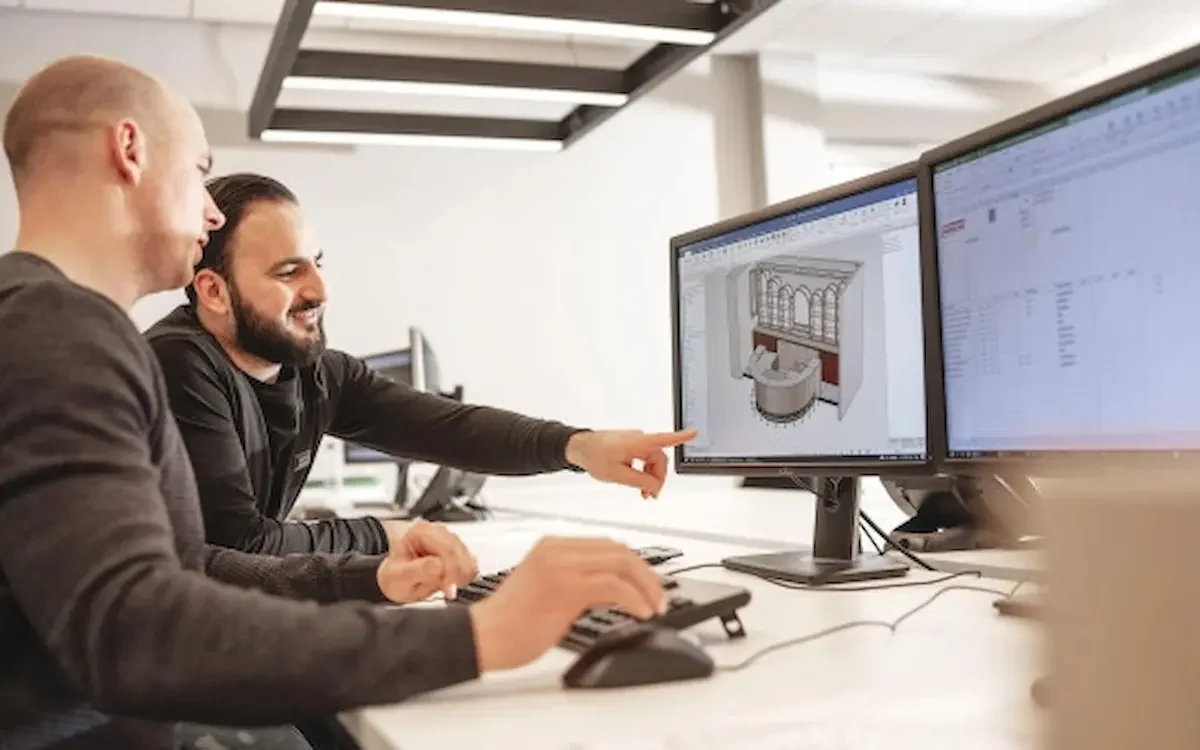
Harmeling Interieurs
Fewer errors and lightning-fast CNC control.
RUBEX Interiors
Interior construction with maximum efficiency.
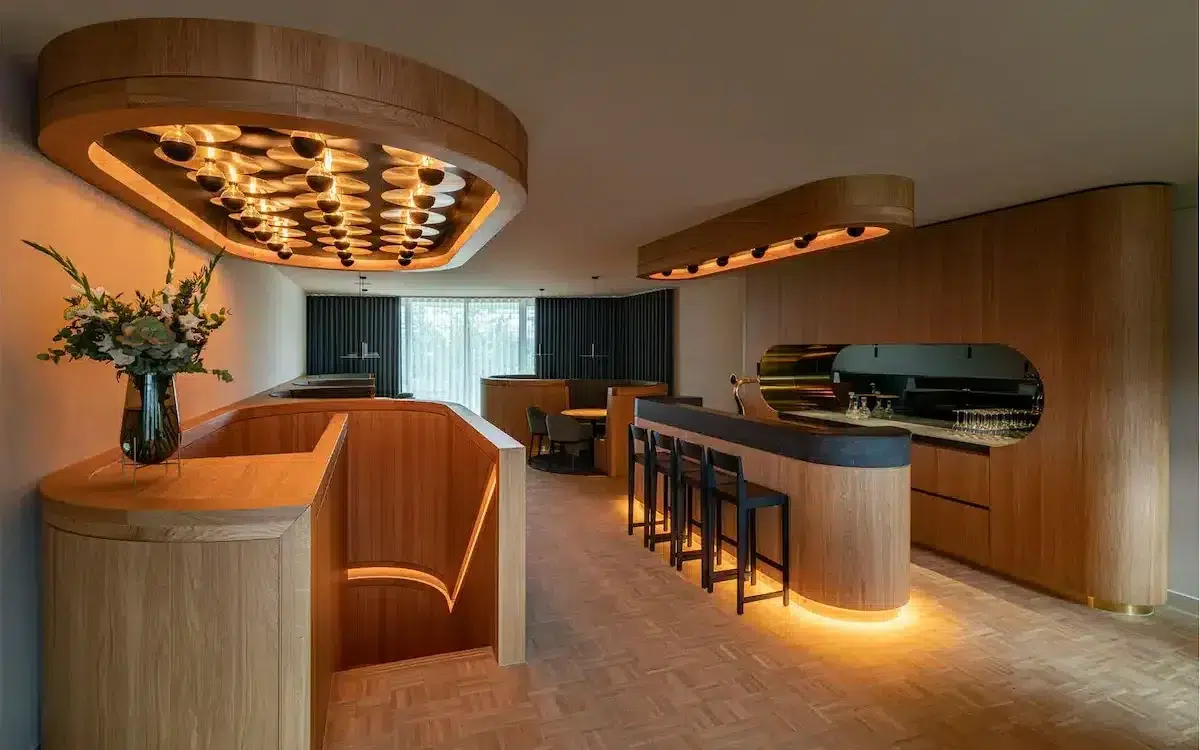
B-Flex Interior Vision
Flexible design for custom projects.
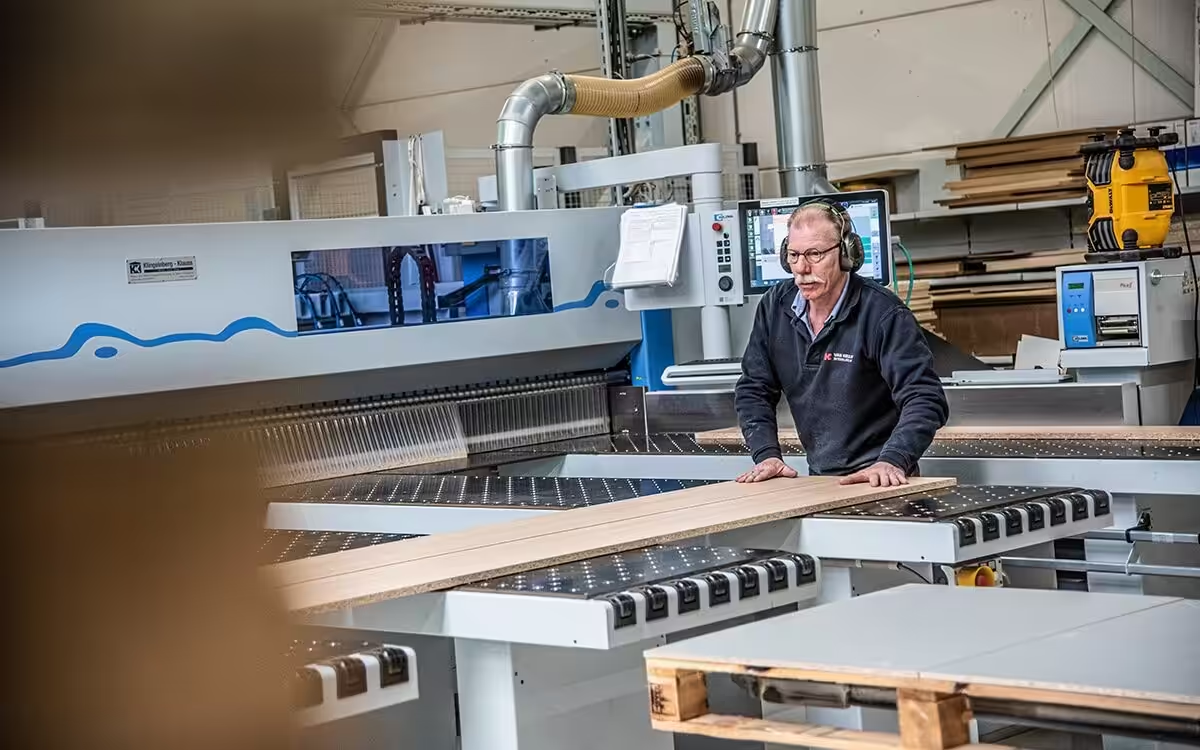
Van Keulen Interieurbouw
20% higher productivity with integrated CAD/CAM.
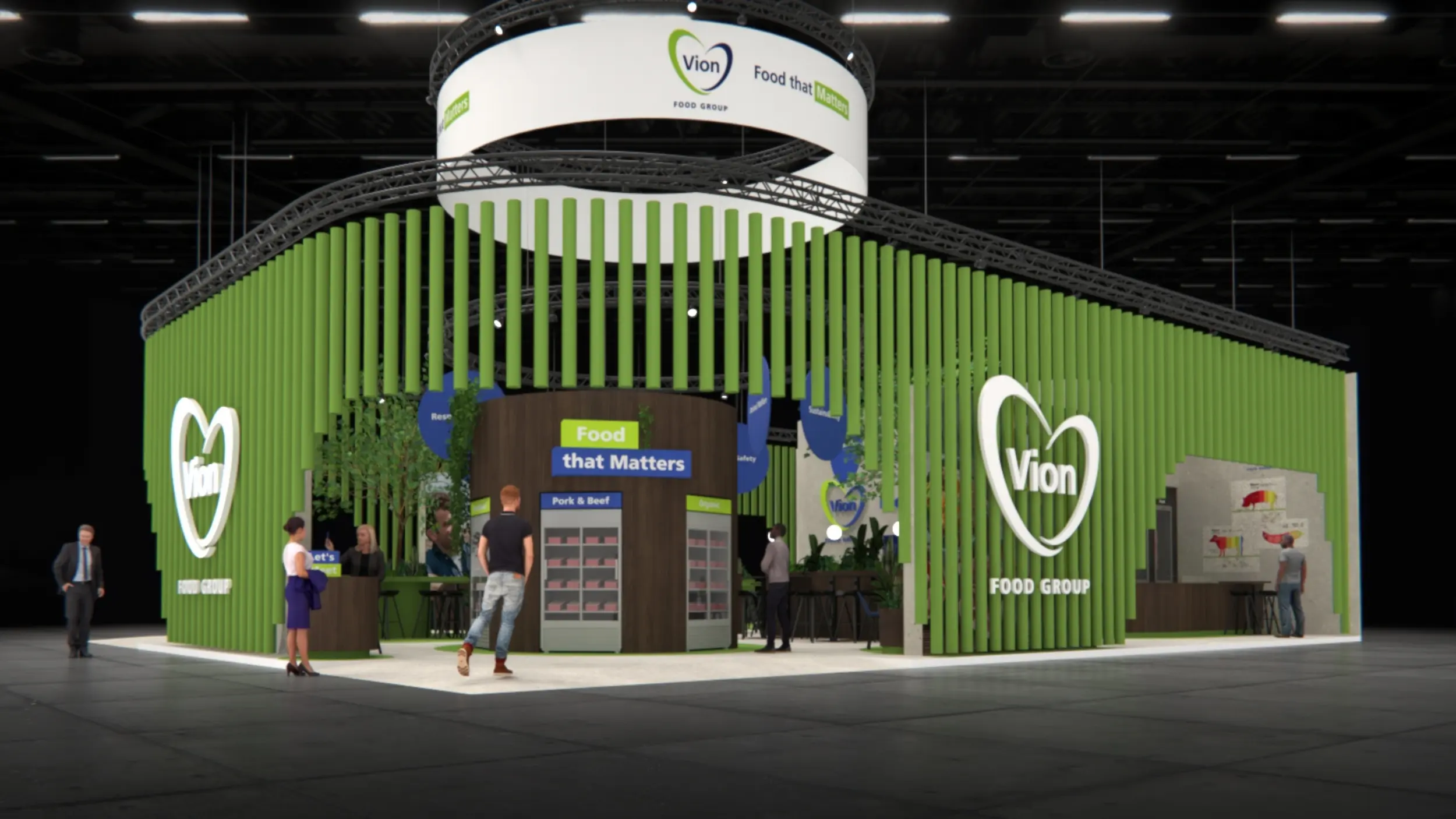
Artica
From 3D design straight to production and CNC.
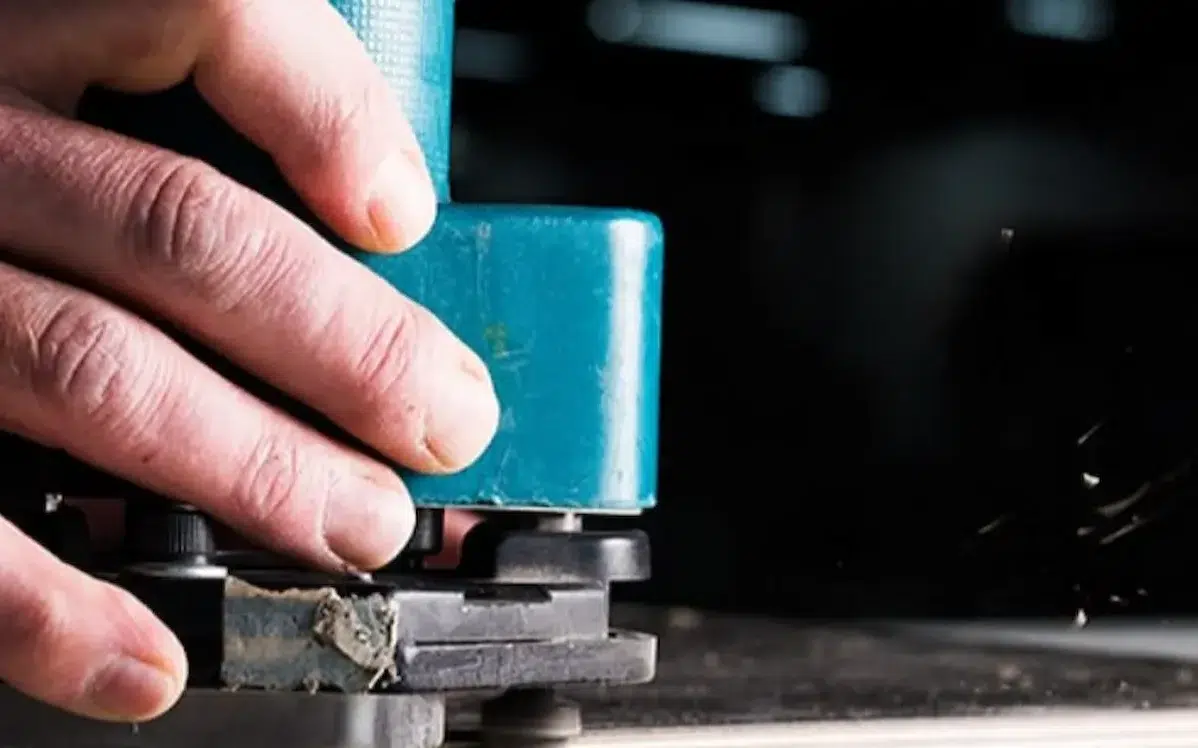
Idos Interiors
Design smarter, produce faster.
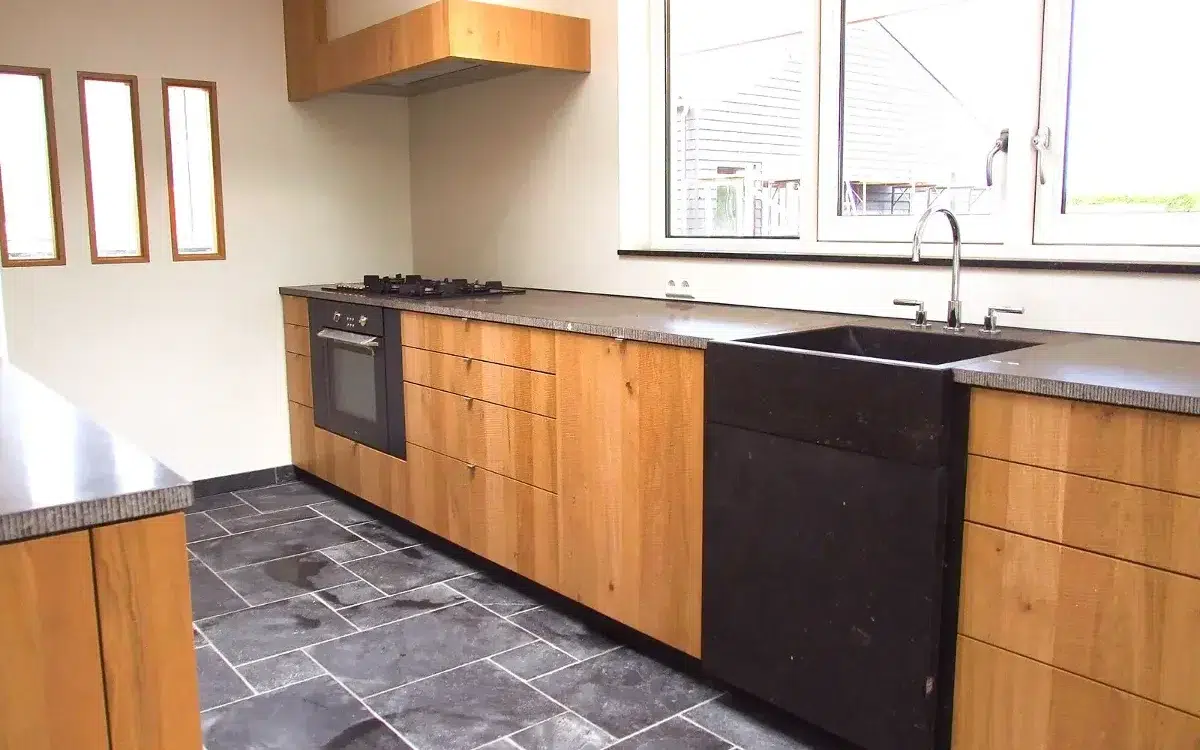
The Ribbenhout
Smart, custom solutions for exclusive interiors.
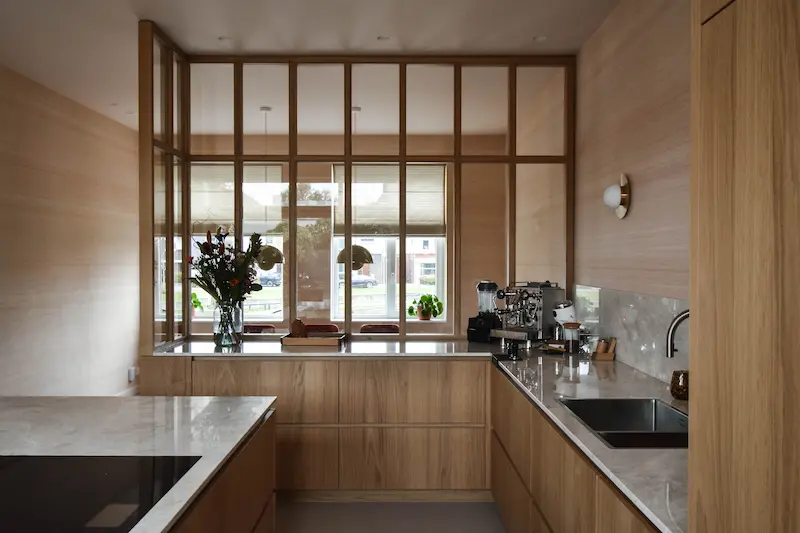
Thomas Bos Interieurbouw
Design faster with fewer production errors.